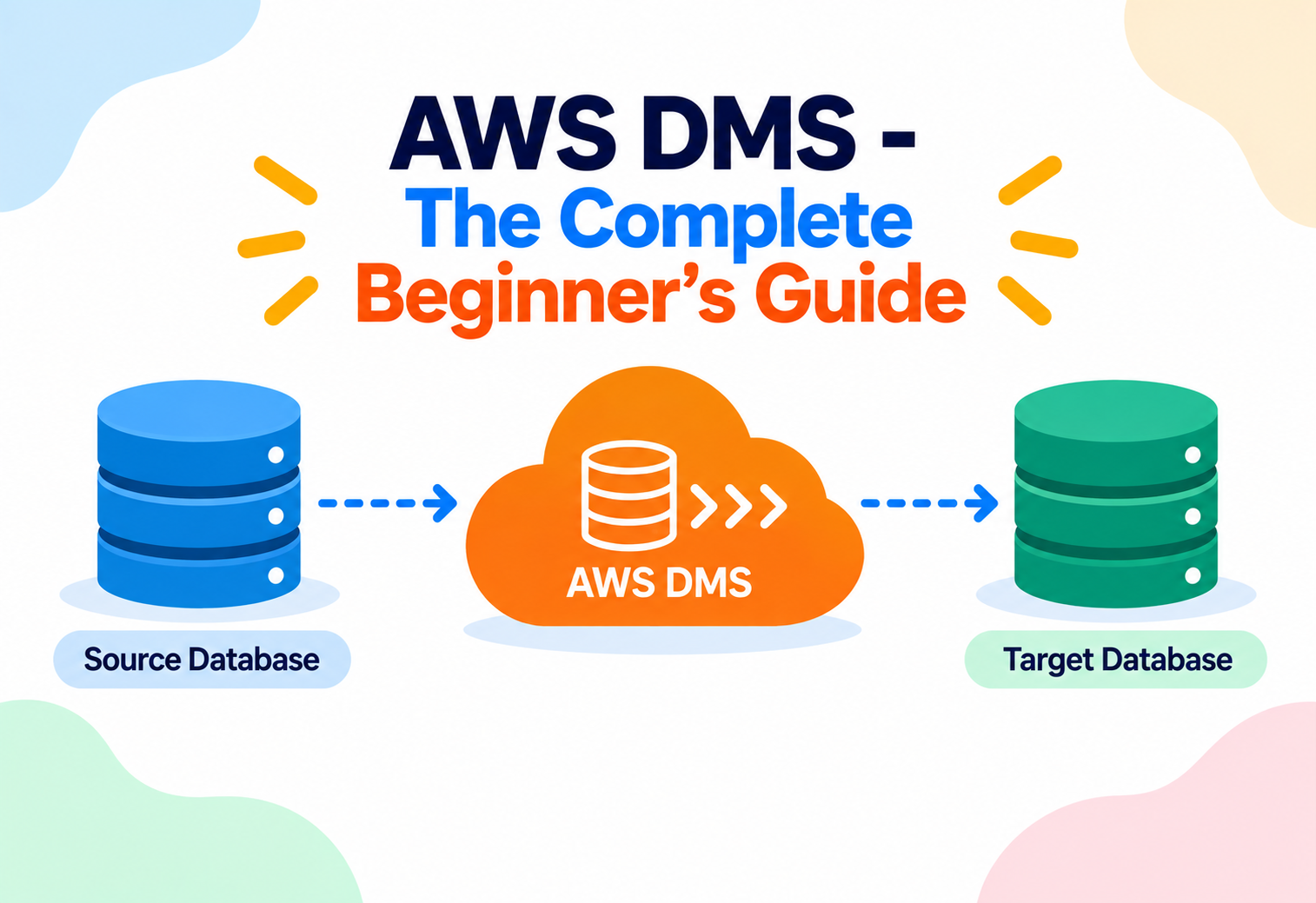
AWS DMS — The Complete Beginner's Guide
A managed service that moves your database from one place to another — even between completely different database engines — while keeping your application running with minimal downtime.
Imagine relocating an entire hospital to a new building — but the hospital can never fully close, because patients are being treated around the clock. You can’t just shut the doors, pack everything into a truck, and reopen three days later. Instead, you’d move equipment room by room, keep both buildings synchronized with the latest patient records during the transition, and only switch over completely once everything checks out. AWS DMS (Database Migration Service) solves the equivalent problem for databases: moving potentially massive amounts of live, constantly changing data from one database to another — possibly a totally different type of database — while your application keeps running and your data stays continuously up to date throughout the move.
1Core Concepts
Why is moving a database difficult?
A database isn’t a static file you can simply copy and paste. It’s often actively being read from and written to every second by a live application. If you copy it once and stop there, by the time the copy finishes, real users have already added new orders, updated account balances, or deleted records that your copy doesn’t know about. A naive migration either requires unacceptable downtime (shutting the application off until the copy finishes) or risks losing or mismatching data.
What is AWS DMS, specifically?
AWS DMS is a fully managed service designed specifically to solve this problem. It performs an initial full load of your existing data into the destination, and then continuously captures and replays every new change happening on the source database — a technique called Change Data Capture (CDC) — until the destination is fully caught up and ready to take over. DMS supports both homogeneous migrations (same database engine on both ends, like Oracle to Oracle) and heterogeneous migrations (different engines, like Oracle to Amazon Aurora), often paired with the AWS Schema Conversion Tool to translate schema and code differences between engines.
Think of AWS DMS like professional movers relocating a busy retail store to a new location without ever closing for business. First, they move all the existing inventory (the full load). Then, for every new item that arrives at the old store during the move, they immediately also deliver a matching copy to the new store (the ongoing change capture). Only once the new store’s shelves perfectly mirror the old one do customers get redirected there — with no day where the shop was simply closed.
DMS can also be used for reasons beyond a one-time migration — many teams run it continuously for ongoing replication, such as keeping a read-only reporting database in sync with a live production database, without that reporting workload ever touching production performance.
2Architecture & Components
Replication Instance
A fully managed server that runs the actual migration and replication software — the engine room where all the data movement work happens.
Source Endpoint
Connection details and credentials describing the database you’re migrating from, whether it’s on-premises, on EC2, or another AWS database service.
Target Endpoint
Connection details describing the database you’re migrating to, such as Amazon RDS, Aurora, Redshift, or even Amazon S3.
Replication Task
Defines exactly what to migrate (which tables or schemas), the migration type (full load, CDC only, or both), and any transformation rules to apply along the way.
AWS Schema Conversion Tool (SCT)
A separate but closely related tool that converts database schema, stored procedures, and application code between different database engines before migration begins.
Data Validation
An optional DMS feature that automatically compares source and target data after migration to confirm everything transferred accurately.
flowchart LR
    Source["Source Database
(on-premises, EC2, or RDS)"] --> RI["DMS Replication Instance"]
    SCT["AWS Schema Conversion Tool
(schema & code translation)"] -.->|"prepares target schema"| Target
    RI -->|"Full Load"| Target["Target Database
(RDS, Aurora, Redshift, S3)"]
    RI -->|"Change Data Capture (CDC)
ongoing replication"| Target
    RI --> Validation["Data Validation
(source vs target comparison)"]
    RI --> CW["Amazon CloudWatch
Metrics & Logs"]
Notice that the replication instance is the single piece of infrastructure doing the heavy lifting, while endpoints and tasks are simply configuration describing what that instance should connect to and what work it should perform.
3Internal Working
The replication instance connects to both endpoints
It authenticates to the source and target databases using the credentials configured in each endpoint.
Full load begins
DMS reads existing data from the source tables and writes it into the corresponding target tables, working table by table.
Change capture starts in parallel
While the full load is still running, DMS begins recording every insert, update, and delete happening on the source database, so no changes made during the migration window are lost.
Captured changes are applied to the target
Once the full load finishes, DMS starts applying the queued-up changes to the target in the correct order, catching the target up to the source.
Ongoing replication keeps both in sync
DMS continues applying new changes as they happen, keeping the target continuously up to date with the source in near real time.
Validation and cutover
Once confident the target matches the source (optionally confirmed by DMS’s built-in data validation), the application is switched over to the new database, and the old one can be decommissioned.
DMS moves data — it does not, by itself, convert schema structures, stored procedures, or database-specific code between different engines. That translation work, needed for heterogeneous migrations, is handled by the separate AWS Schema Conversion Tool before the DMS task ever runs.
4Data Flow & Lifecycle
Step 1 — Assess and convert the schema. The AWS Schema Conversion Tool analyzes the Oracle schema and code, converting what it can automatically to Aurora’s PostgreSQL-compatible format and flagging anything requiring manual rework.
Step 2 — Provision a replication instance. A DMS replication instance is created, sized appropriately for the data volume and expected change rate.
Step 3 — Configure endpoints. Source (the on-premises Oracle database) and target (the new Aurora database) endpoints are configured with connection details and tested for connectivity.
Step 4 — Create and run the replication task. A task is defined specifying full load plus ongoing CDC, targeting the specific schemas and tables to migrate.
Step 5 — Monitor progress. Migration progress, replication lag, and any errors are tracked through the DMS console and Amazon CloudWatch metrics.
Step 6 — Validate. DMS’s data validation feature compares row counts and content between source and target to build confidence before cutover.
Step 7 — Cut over. During a brief, planned maintenance window, the application is pointed at the new Aurora database, and the DMS task is stopped once the switch is confirmed successful.
S3 as a Target
DMS can also write data directly into Amazon S3 as a target, a common pattern for feeding a data lake or analytics pipeline with a continuously updated copy of production data, without that analytics workload ever touching the live database.
5Advantages, Disadvantages & Trade-offs
Advantages
- Supports migrating with minimal downtime through full load plus continuous change data capture.
- Works across more than 20 combinations of source and target database engines, including heterogeneous migrations.
- Fully managed replication instance — no separate migration server to build and maintain yourself.
- Built-in data validation adds confidence before a final cutover.
- Can also serve ongoing replication use cases beyond one-time migration, such as feeding a data lake.
Disadvantages
- Schema and code conversion for heterogeneous migrations is a separate, sometimes significant effort handled by SCT, not DMS itself.
- Complex source databases with unusual data types or configurations can require careful task tuning and testing.
- Replication lag can grow under very high change volumes if the replication instance is undersized.
- Requires appropriate network connectivity (VPN, Direct Connect, or VPC peering) between AWS and an on-premises source.
6Performance & Scalability
The replication instance is available in a range of sizes, similar to choosing an EC2 instance type, letting you scale compute and memory to match your data volume and rate of change. Larger, high-throughput migrations use bigger replication instances, and multiple tasks can run in parallel to migrate different sets of tables concurrently, speeding up an overall migration.
For very large tables, DMS supports parallel load strategies that split a single large table into segments migrated concurrently, significantly reducing full-load time compared to a single sequential pass.
7High Availability & Reliability
For production migrations, DMS supports a Multi-AZ replication instance, which maintains a synchronously replicated standby instance in a different Availability Zone. If the primary replication instance encounters a problem, DMS can fail over to the standby automatically, minimizing disruption to an in-progress migration or ongoing replication task.
It’s similar to having a backup delivery driver following the exact same route in a second truck, ready to instantly take over deliveries if the lead truck breaks down — customers waiting on packages never experience an interruption.
Reliability during migration also depends on DMS’s ability to gracefully handle transient network interruptions between source and target, automatically retrying and resuming replication without requiring the entire task to be restarted from scratch.
8Security
VPC Isolation
Replication instances run inside a VPC, and security groups control exactly which sources and targets they’re allowed to connect to.
SSL/TLS Connections
DMS supports encrypting connections to both source and target databases, protecting data as it moves across the network.
AWS KMS
Data stored temporarily by the replication instance, along with endpoint connection credentials, can be encrypted using AWS KMS.
IAM Roles & Policies
IAM controls who can create, modify, or start replication tasks, and grants DMS itself only the specific permissions it needs to reach configured endpoints.
Anti-Pattern
Hardcoding source and target database credentials directly into endpoint configuration without any rotation plan, and leaving broad network access open between environments “just to get the migration working.”
Why It’s A Problem
Over-permissive network rules and static, long-lived credentials created for a migration often quietly outlive the migration itself, becoming a forgotten security gap.
Better Approach
Use AWS Secrets Manager to store and rotate database credentials referenced by DMS endpoints, scope security groups tightly to only the required source and target IP ranges and ports, and decommission migration-specific access once the cutover is complete.
9Monitoring, Logging & Metrics
| Tool | What It Tells You |
|---|---|
| DMS Console Task Monitoring | Real-time progress of a full load, table-by-table status, and current CDC latency. |
| Amazon CloudWatch Metrics | Replication instance CPU, memory, and disk usage, plus task-level metrics like CDC latency and throughput. |
| CloudWatch Logs | Detailed replication instance logs useful for diagnosing connectivity issues or data type conversion errors. |
| Data Validation Reports | A row-by-row (or sampled) comparison confirming source and target data match after migration. |
| Amazon SNS Notifications | Alerts on task state changes, such as a failure or successful completion. |
Keep a close eye on CDC latency during the replication phase — a steadily growing latency usually means the replication instance is undersized for the current rate of change on the source database, and resizing it can resolve the bottleneck.
10Deployment & Cloud Integration
For heterogeneous migrations, the AWS Schema Conversion Tool typically runs first to translate schema and application logic. The target database is frequently a managed AWS service like Amazon RDS or Aurora, which then benefits from AWS-native backups, Multi-AZ, and monitoring once the migration completes. For analytics use cases, DMS commonly feeds Amazon S3 or Amazon Redshift continuously, powering a data lake or data warehouse with a near real-time copy of operational data.
AWS Database Migration Service Fleet Advisor
For organizations migrating many databases at once, DMS Fleet Advisor helps inventory and assess an entire fleet of on-premises databases, informing which ones are good candidates for migration and roughly what effort each will require.
11Design Patterns & Anti-patterns
Phased Table-by-Table Migration
Migrating a large database in stages, table group by table group, rather than attempting one enormous task, reducing risk and easing troubleshooting.
Continuous Replication for Analytics
Running DMS indefinitely, not just for a one-time migration, to keep an analytics or reporting environment continuously synchronized with production.
Skipping Validation Before Cutover
Switching an application to the new database without confirming data accuracy first risks discovering subtle data mismatches only after users are already relying on the new system.
Underestimating Schema Conversion Effort
Assuming DMS alone handles a heterogeneous migration end-to-end, without budgeting real time for schema conversion, stored procedure rewrites, and testing.
12Best Practices & Common Mistakes
Right-size the replication instance
Base its size on real data volume and change rate, and monitor early to confirm it’s keeping up.
Test the migration in a non-production environment first
Run a full rehearsal, including cutover steps, before touching production data.
Always run data validation before cutover
Catch mismatches while the old system is still available as a source of truth to compare against.
Plan for a rollback
Keep the source database intact and available for a defined period after cutover, in case an unexpected issue requires reverting.
Use Multi-AZ for critical, long-running replication
Especially important when DMS is running continuously rather than for a short migration window.
Forgetting that certain source database configurations (such as specific logging or retention settings) must be enabled for change data capture to work correctly. Verifying these prerequisites ahead of time avoids a migration task that fails or stalls partway through.
13Real-World & Industry Examples
Enterprise Database Modernization
Large enterprises use DMS alongside the Schema Conversion Tool to move away from expensive, proprietary commercial database licenses toward open-source-compatible engines like Amazon Aurora, reducing long-term licensing costs.
Data Center Exit Projects
Organizations shutting down physical data centers rely on DMS to migrate dozens or hundreds of on-premises databases into AWS-managed equivalents as part of a broader cloud migration timeline.
Real-Time Analytics Pipelines
Companies use DMS’s ongoing replication capability to continuously stream production database changes into Amazon Redshift or S3, powering near real-time dashboards without impacting the production database’s performance.
Mergers and Acquisitions
When companies combine after an acquisition, DMS is often used to consolidate disparate databases from each organization onto a single, unified platform with minimal disruption to ongoing operations.
14Frequently Asked Questions
15Summary and Key Takeaways
Key Takeaways
- AWS DMS migrates live databases with minimal downtime, combining an initial full load with ongoing Change Data Capture (CDC).
- It supports both homogeneous (same engine) and heterogeneous (different engine) migrations, with the latter typically paired with the AWS Schema Conversion Tool.
- Core components are the replication instance (does the work), source/target endpoints (connection details), and replication tasks (what and how to migrate).
- Multi-AZ replication instances provide automatic failover for critical or long-running migrations and continuous replication.
- Built-in data validation compares source and target data, building confidence before a final cutover.
- Security relies on VPC isolation, SSL/TLS in transit, KMS encryption at rest, and tightly scoped IAM permissions.
- Beyond one-time migrations, DMS is widely used for continuous replication into analytics platforms like Redshift or S3.

