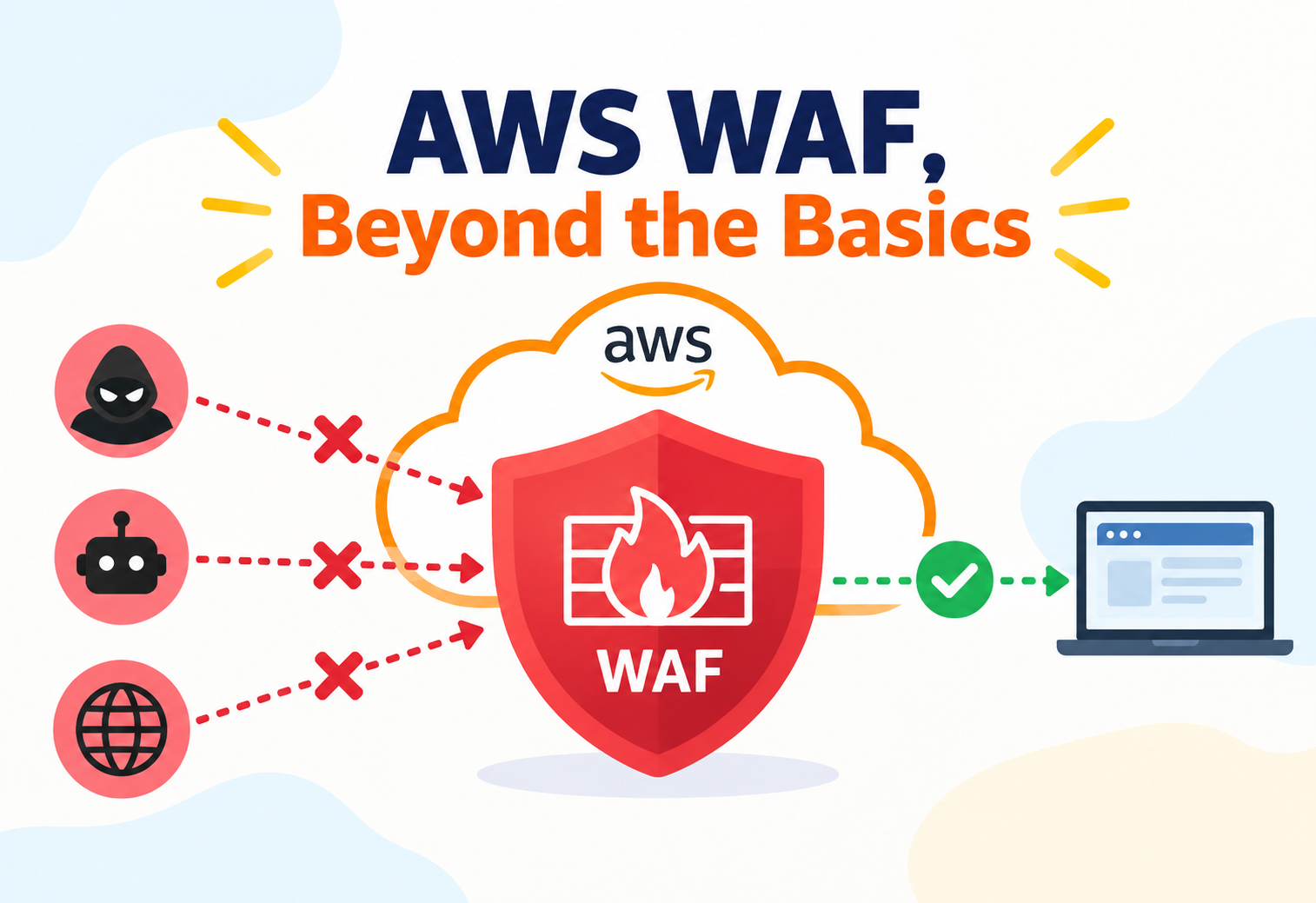
AWS WAF, Beyond the Basics
A working engineer's guide to how Web ACLs, rule priority, WCU budgets, and managed rule groups actually decide whether a request lives or dies — before it ever reaches your application.
If you already know that AWS WAF “filters malicious web traffic before it reaches your application,” this article picks up one level higher. We’ll spend our time on how a Web ACL actually evaluates a request through an ordered set of rules, what Web ACL Capacity Units really constrain, how managed rule groups compose with your own custom rules without either side stepping on the other, and where rate-based rules and Bot Control genuinely differ from a plain string-match rule. We’ll treat Web ACLs attached to Application Load Balancer and Amazon CloudFront as the primary scenarios, since that’s where most of the intermediate-level nuance shows up, and call out API Gateway and AppSync integration where it matters.
A fast recap of scope and placement, framed for someone who has already attached a Web ACL and is now tuning it.
A WAF Web ACL is a resource that must be created in one of two scopes: REGIONAL, for attaching to an Application Load Balancer, API Gateway REST API, AppSync GraphQL API, or Cognito user pool within a specific Region, or CLOUDFRONT, for attaching to a CloudFront distribution, which is inherently global. A Web ACL created in one scope cannot be attached to a resource requiring the other — this trips up teams migrating an existing regional ALB-based Web ACL to also protect a CloudFront distribution in front of it, since that requires a second, separately-managed CLOUDFRONT-scoped Web ACL rather than reusing the same one.
ALB, API Gateway, AppSync, Cognito
Tied to a specific AWS Region; the Web ACL and the resource it protects must live in the same Region.
CloudFront distributions
Managed globally through the CloudFront API regardless of where your origin actually lives, and evaluated at edge locations closer to the requesting client.
The vocabulary intermediate WAF work depends on — Web ACLs, rules, rule groups, and capacity.
Web ACL — the top-level resource attached to a protected resource; it contains an ordered set of rules and rule group references, plus a default action (Allow or Block) applied when no rule inside it produces a terminating match.
Rule — a single unit of logic combining a statement (what to match: byte match, regex, geographic origin, IP set membership, size constraint, SQL injection or XSS detection) with an action (Allow, Block, Count, CAPTCHA, or Challenge).
Rule Group — a reusable, named bundle of rules, either self-managed or provided by AWS (a managed rule group) or a third-party vendor through the AWS Marketplace; referencing a rule group inside a Web ACL evaluates every rule within it as a unit.
Web ACL Capacity Unit (WCU) — every rule consumes a calculated capacity cost based on its complexity (a simple IP match costs far less than a regex-heavy statement), and every Web ACL has a maximum WCU budget (1,500 by default, though this is adjustable via a service quota increase) that all of its rules and referenced rule groups must fit within.
Labels — string identifiers a rule can add to a request during evaluation, which subsequent rules later in the same Web ACL can then match against — this is the mechanism that lets rules build on each other’s findings within a single evaluation pass, rather than each rule operating in total isolation.
How Web ACLs, rule groups, and protected resources fit together.
flowchart TB
  Client["Client Request"] --> Edge["CloudFront Edge / ALB Listener"]
  Edge --> WebACL["Web ACL"]
  subgraph WebACL_Internals["Web ACL — Evaluated in Priority Order"]
    R1["Priority 0: AWS Managed — Core Rule Set"]
    R2["Priority 1: AWS Managed — Known Bad Inputs"]
    R3["Priority 2: Custom IP Set Block"]
    R4["Priority 3: Rate-Based Rule"]
    R5["Priority 4: Custom Geo Rule"]
  end
  WebACL --> R1 --> R2 --> R3 --> R4 --> R5
  R5 --> Default["Default Action: Allow"]
  Default --> Origin["Origin / Target Group"]
Every rule and rule group reference in a Web ACL has an explicit priority; AWS WAF evaluates them from lowest priority number to highest, and stops at the first rule whose action is terminating — Block, CAPTCHA, or Challenge all terminate evaluation, while Allow inside a nested rule group context and Count do not, letting evaluation continue to subsequent rules.
What decides which rule actually gets the final say on a request.
Think of a Web ACL as a series of security checkpoints a visitor must pass through in a fixed order. The first checkpoint that decides “turn this person away” ends the process immediately — checkpoints further down the line never even see that visitor. A checkpoint that just makes a note (“this person looked suspicious”) without stopping them lets the visitor keep walking to the next checkpoint, which is exactly what a Count action does.
This priority-order, first-terminating-match model is why rule ordering is a genuine design decision, not an afterthought. A broad geographic block placed at priority 0 will short-circuit evaluation before a more specific allowlist rule at priority 5 ever gets a chance to run — if that allowlist was meant to carve out an exception to the geographic block, placing it after the block makes it functionally dead code.
Managed rule groups add a further layer of nuance: within a referenced rule group, individual rules can have their actions overridden from the Web ACL level (for example, downgrading a specific rule from Block to Count while you evaluate whether it produces false positives), without needing to fork or maintain a custom copy of the entire managed rule group yourself.
The full path a request takes through WAF before it ever reaches your origin.
sequenceDiagram
    participant Client
    participant WAF as AWS WAF
    participant Origin as ALB / CloudFront Origin
    Client->>WAF: Incoming HTTP request
    WAF->>WAF: Evaluate rules in priority order
    alt Terminating match (Block/CAPTCHA/Challenge)
        WAF-->>Client: Return configured response, request stops
    else No terminating match
        WAF->>Origin: Forward request unmodified
        Origin-->>WAF: Origin response
        WAF-->>Client: Deliver response
    end
Every evaluated request, matched or not, can optionally be logged to Amazon Kinesis Data Firehose, S3, or CloudWatch Logs, capturing which rule matched, what action was taken, and the labels applied — this log is the primary tool for understanding why a specific request was allowed or blocked after the fact.
Why most production Web ACLs start with AWS-maintained rules rather than writing detection logic from scratch.
AWS maintains a set of managed rule groups covering common threat categories — a Core Rule Set for generally malicious patterns, a Known Bad Inputs set for exploit signatures tied to specific CVEs, an SQL Database set, and specialized sets like Bot Control and Account Takeover Prevention (ATP). AWS updates the content of these rule groups over time as new threats emerge, without requiring you to redeploy anything — the trade-off is that the exact matching logic inside a managed rule group is largely opaque to you, which is why the override-to-Count mechanism from Chapter 4 matters so much operationally.

Bot Control
Distinguishes between categories of automated traffic (search engine crawlers, monitoring tools, scrapers) using signals beyond simple user-agent string matching, letting you allow beneficial bots while blocking or challenging unwanted ones.
Account Takeover Prevention (ATP)
Specifically targets credential-stuffing and account-takeover patterns against login endpoints, using request velocity and known-compromised-credential signals rather than generic content matching.
The one rule type that reasons about volume over time, not just content in a single request.
A rate-based rule counts requests from a given aggregation key (by default, source IP address, though it can aggregate on other keys such as a custom header) over a rolling evaluation window, and triggers its action once a configured request threshold is exceeded within that window. This is fundamentally different from every other rule type discussed so far, which evaluate a single request in isolation — a rate-based rule’s decision depends on request history.
A rate-based rule can be scoped to only count requests matching an additional statement — for example, only counting requests to a specific login path — so the rate limit applies precisely where credential-stuffing risk is highest, rather than uniformly across your entire domain.
A middle ground between “allow” and “block” that most teams underuse.
Beyond Allow, Block, and Count, WAF supports two interactive actions. CAPTCHA presents a visible puzzle the client must solve before the request is allowed through. Challenge performs a transparent, non-interactive browser verification (checking for JavaScript execution capability consistent with a real browser) without ever showing the user anything, making it far less disruptive for legitimate traffic while still filtering out simple bots that can’t execute the check.
Successfully passing either action issues the client a token, valid for a configurable duration, which subsequent requests can present to skip re-verification — meaning a real user challenged once isn’t forced through the same friction on every single request during their session.
What actually constrains a large, complex Web ACL, and where evaluation happens.
WAF evaluation for CloudFront-scoped Web ACLs happens at the edge, close to the client, adding minimal latency to the request path since it doesn’t require a round trip back to a Region. REGIONAL-scoped Web ACLs on ALB or API Gateway evaluate within the same Region as the resource itself.
The WCU budget (Chapter 2) is the practical ceiling on Web ACL complexity — a Web ACL referencing several managed rule groups plus a handful of custom regex-heavy rules can approach the default 1,500 WCU limit surprisingly quickly, since regex and byte-match statements with large search patterns cost meaningfully more capacity than a simple IP set match.
Turning WAF’s decisions into something you can actually audit and tune.
| Signal | What It Tells You | Watch For |
|---|---|---|
| CloudWatch AllowedRequests / BlockedRequests | Per-rule counts of matched requests and their action | A managed rule suddenly blocking a spike of legitimate-looking traffic after an AWS content update warrants a closer look |
| Sampled Requests | A rolling sample of recent requests with the rule that matched them | The fastest way to inspect exactly what a specific rule is catching without setting up full logging first |
| Full Request Logs (Kinesis Firehose/S3) | Complete record of every evaluated request, matched rule, action, and applied labels | Essential for post-incident analysis and for validating a new rule in Count mode before promoting it to Block |
| CAPTCHA/Challenge solve rate | How often clients successfully pass an interactive check | An unexpectedly low solve rate on real user traffic suggests the challenge itself may be misconfigured or overly aggressive |
How Web ACLs are provisioned and combined with the rest of AWS’s edge and security services.
Web ACLs, custom rules, and rule group associations are typically provisioned through Infrastructure as Code, since rule priority ordering, WCU budgeting, and managed rule group version pinning all need to stay consistent and reviewable — a manually reordered rule in a console session is an easy way to silently change which rule actually wins on a given request.
AWS Shield Integration
WAF and Shield Advanced work together — Shield handles network and transport layer DDoS mitigation, while WAF’s rate-based rules and managed rule groups address application-layer attack patterns Shield alone doesn’t inspect.
Firewall Manager
AWS Firewall Manager centrally deploys and enforces consistent Web ACL policies across many accounts and resources in an AWS Organization, which is the standard tool once you have more than a handful of protected resources to keep in sync.
What a well-tuned Web ACL looks like — and the rollout mistake that causes the most outages.
Managed-rules-first, custom-rules-refined design — start with relevant AWS managed rule groups for broad coverage, then layer scoped custom rules (IP allowlists, rate-based rules on sensitive endpoints) on top, rather than trying to hand-write detection logic that AWS already maintains and updates.
Count-before-Block rollout — deploying any new rule or managed rule group in Count mode first, observing sampled requests and logs for false positives over a real traffic period, and only then switching it to Block, is the standard way to avoid an unplanned self-inflicted outage.
Pattern
Enabling a new managed rule group directly in Block mode against production traffic without first observing it in Count mode.
Why It Fails
Managed rule group content changes over time and a rule tuned for a different application’s traffic pattern can produce false positives against legitimate requests unique to your application — discovering this only after real users start seeing blocked requests is a self-inflicted, entirely avoidable outage.
What To Do Instead
Add new rule groups in Count mode, review sampled requests and full logs over a representative traffic period (including peak-load conditions), and only override to Block once you’ve confirmed it doesn’t catch legitimate traffic.
Advantages
- AWS-maintained managed rule groups reduce the burden of tracking emerging threats yourself
- Fine-grained rule ordering and per-rule action overrides give precise control without forking managed content
- Native integration across CloudFront, ALB, API Gateway, AppSync, and Shield reduces separate tooling
- CAPTCHA/Challenge offer a lower-friction middle ground than an outright block
Disadvantages & Trade-offs
- WCU budgeting adds real design constraints once you combine several managed rule groups with custom logic
- Managed rule group internals are largely opaque, making false-positive diagnosis reliant on Count-mode observation rather than reading the rule logic directly
- REGIONAL and CLOUDFRONT scopes are strictly separate resources, adding management overhead for architectures using both
- Rule priority mistakes can silently disable intended exceptions without any error being raised
Order allowlists before blanket blocks
An exception rule placed after a broad terminating block will never be reached — verify priority ordering reflects the exception relationship you actually intend.
Roll out new rules in Count mode first
Observe real traffic against a new rule before promoting it to a terminating action, especially for AWS-maintained managed rule groups whose exact logic you don’t control.
Scope rate-based rules to the endpoints that need them
A rate-based rule scoped to a login or checkout path catches abuse precisely, rather than a global rate limit that risks impacting legitimate bursty traffic elsewhere on the site.
Enable full request logging before you need it
Sampled requests are useful for a quick check, but a real incident investigation benefits enormously from complete logs already flowing to S3 or Kinesis Firehose.
Track WCU headroom as you add rules
Budget for growth — a Web ACL sitting near its WCU ceiling makes adding the next necessary rule a forced trade-off against removing an existing one.
E-commerce checkout protection
Rate-based rules scoped to checkout and login endpoints, combined with Account Takeover Prevention, are a common defense against credential-stuffing and inventory-hoarding bot activity during high-traffic sales events.
API protection behind API Gateway
REGIONAL-scoped Web ACLs attached directly to API Gateway REST APIs apply managed rule groups like Known Bad Inputs to defend programmatic endpoints that don’t have the same browser-based interaction patterns as a typical website.
Global content protection at the edge
CloudFront-scoped Web ACLs let organizations serving global audiences filter malicious traffic at the nearest edge location, before it ever travels back to an origin Region.

Carry This Forward
- Web ACLs are scoped to either REGIONAL or CLOUDFRONT and cannot be shared across that boundary.
- Rules and rule groups evaluate in strict priority order; the first terminating action (Block, CAPTCHA, Challenge) wins, so ordering is a real design decision.
- Every rule consumes WCU against a fixed budget — complex regex and byte-match statements cost meaningfully more than simple IP matches.
- Managed rule groups give broad, AWS-maintained coverage, but their internals are largely opaque — per-rule action overrides let you tune without forking them.
- Rate-based rules are the one rule type that reasons about request volume over time rather than evaluating a single request in isolation.
- Challenge and CAPTCHA offer a lower-friction middle ground between allowing and blocking suspicious traffic.
- Roll new rules out in Count mode first — deploying straight to Block against production traffic is the most common source of self-inflicted WAF outages.