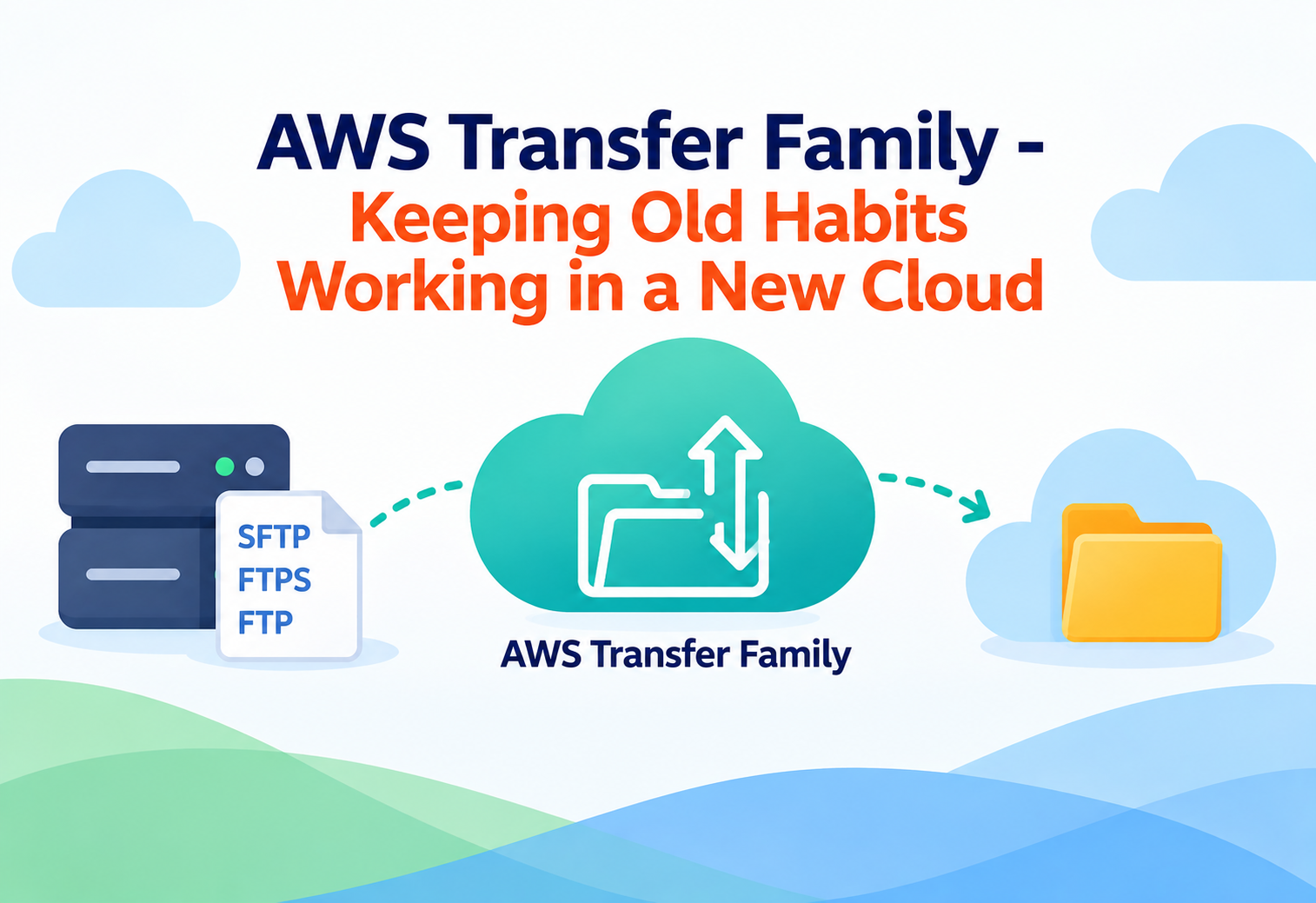
AWS Transfer Family – Keeping Old Habits Working in a New Cloud
AWS Transfer Family lets businesses keep using familiar file-transfer methods like FTP, SFTP, and FTPS, while all the data actually lands safely in the AWS cloud.
Imagine your grandparents have always mailed letters through the post office, and they are very comfortable with that routine — writing a letter, putting a stamp on it, and dropping it in the mailbox. Now imagine you want their messages to end up instantly in a digital inbox, without asking them to learn how to use email. What if the post office itself quietly turned every mailed letter into an email behind the scenes? That is exactly the idea behind AWS Transfer Family. It lets people and computer systems keep using old, familiar ways of sending files — while AWS quietly makes sure those files end up safely stored in the modern cloud.
1What Is AWS Transfer Family?
A bridge between old-fashioned file transfer methods and modern cloud storage.
AWS Transfer Family is a fully managed AWS service that lets you set up secure file transfer endpoints using protocols that have existed for decades — FTP (File Transfer Protocol), FTPS (FTP with encryption), SFTP (SSH File Transfer Protocol), and AS2 (a protocol common in retail and healthcare for exchanging business documents). Instead of building and maintaining your own file transfer servers, you use AWS Transfer Family, and every file that arrives is automatically stored in Amazon S3 or Amazon EFS, two of AWS’s core storage services.
Think of AWS Transfer Family as a translator standing at a border crossing. On one side, trucks (old file-transfer software) speak an old language they have always known. On the other side, the country (the AWS cloud) only understands a newer language. The translator lets both sides keep doing what they already know how to do, while making sure everything gets delivered correctly on the other end.
This service exists because the world is full of businesses, banks, hospitals, and government agencies that have used FTP-style file transfers for 20 or 30 years. Rewriting all of that software overnight is expensive, risky, and sometimes impossible. AWS Transfer Family lets these organizations move to the cloud without forcing every partner, vendor, or old internal tool to change how they send files.
FTP
File Transfer Protocol — one of the oldest ways computers send files to each other over a network.
SFTP
SSH File Transfer Protocol — a more secure version of file transfer that encrypts data as it moves.
Amazon S3
Amazon’s cloud storage service, where files sent through Transfer Family are commonly stored as objects.
Amazon EFS
Amazon Elastic File System — a shared cloud file system that behaves like a traditional network drive.
2Why Does This Problem Even Exist?
The internet did not start with the cloud — a lot of old technology is still doing important work today.
Long before cloud storage existed, businesses built entire workflows around FTP servers. A retailer might receive daily inventory files from hundreds of suppliers, all sent through FTP, exactly the same way for 15 years. A hospital might exchange patient records with insurance companies using AS2, because that is what healthcare regulations and partner systems expect. These systems are often described as “legacy” — not because they are bad, but because they are old and deeply woven into how a business already works.
Asking hundreds of external partners to suddenly change how they send you files is often unrealistic. Some partners may be small businesses with no budget to update their systems, and some may be using software that cannot easily be changed at all.
Running your own FTP server also comes with real headaches: you must patch security holes, manage hard drive space, set up backups, and make sure the server never goes down. AWS Transfer Family removes this operational burden entirely — AWS runs, patches, and scales the servers, while you simply configure who can connect and where their files should land.
3How AWS Transfer Family Works Internally
From the moment a partner uploads a file, to the moment it safely lands in cloud storage.
flowchart TD
    A[External partner connects using FTP, FTPS, SFTP, or AS2] --> B[AWS Transfer Family endpoint receives the connection]
    B --> C[User identity is checked against your chosen authentication method]
    C --> D[File is uploaded through the familiar protocol]
    D --> E[Transfer Family stores the file in Amazon S3 or Amazon EFS]
    E --> F[Optional workflow triggers run, such as virus scans or notifications]
    F --> G[Your applications read the file from S3 or EFS as normal]
Setting Up an Endpoint
You start by creating a “server” inside AWS Transfer Family, choosing which protocol or protocols it should accept. AWS gives you a public address that behaves just like any traditional FTP or SFTP server address, so existing software does not need to know anything changed.
Authenticating Users
When someone tries to connect, AWS Transfer Family checks who they are. You can manage users directly inside the service, or connect it to systems you may already use, such as Microsoft Active Directory, or a custom identity provider through AWS Lambda, which lets you plug in your own existing username and password database.
Storing the File
Once a user is allowed in, any file they upload is automatically written into Amazon S3 or Amazon EFS, based on how you configured that user’s home directory. From the partner’s point of view, they simply see a normal folder structure, unaware that their file is actually being placed into a modern, highly durable cloud storage system.
Reacting to New Files
AWS Transfer Family can also trigger automated workflows the moment a file arrives — for example, running a virus scan, converting a file format, or sending a notification to your team. This turns a simple file drop into the start of an automated business process.
4The Protocols Supported by Transfer Family
Different industries and partners rely on different “languages” for sending files.
FTP
The original file transfer protocol. It does not encrypt data, so it is mostly used only inside private, trusted networks.
FTPS
FTP with an added layer of encryption (using TLS), making it safer to use over the public internet than plain FTP.
SFTP
A completely different, more modern protocol built on SSH technology. It is the most commonly used secure option today.
AS2
A protocol widely used in retail, logistics, and healthcare to exchange structured business documents securely, with built-in delivery confirmations.
You do not have to pick just one protocol. A single AWS Transfer Family setup can support multiple protocols at once, which is useful if different partners each prefer a different method.
5Setting Up a Transfer Family Workflow
A typical journey from a fresh AWS account to a fully working, secure file transfer system.
Choose Your Protocol
Decide whether your partners need SFTP, FTPS, FTP, AS2, or a mix of these, based on what they already use today.
Create a Server Endpoint
Set up a Transfer Family server in the AWS Console, which gives you a connection address partners can use immediately.
Configure Identity and Access
Decide how users will be authenticated — through AWS’s built-in user management, your existing Active Directory, or a custom identity system.
Point to Storage
Choose whether uploaded files should land in Amazon S3 buckets or an Amazon EFS file system, and set folder permissions for each user.
Add Automated Workflows (Optional)
Attach steps that run automatically after upload, such as scanning files or notifying a team through email or messaging tools.
Test with a Real Partner
Have one trusted partner or internal team connect first, confirming uploads land correctly before rolling the change out widely.
6Security in AWS Transfer Family
Old protocols, modern protections — Transfer Family adds strong safety nets underneath familiar tools.
Encryption in Transit
When using SFTP, FTPS, or AS2, all data is encrypted as it travels across the network, protecting it from eavesdroppers.
Encryption at Rest
Once files land in Amazon S3 or EFS, they can be automatically encrypted while stored, adding another layer of protection.
Fine-Grained Access Control
Each user can be restricted to only their own folder, preventing one partner from ever seeing another partner’s files.
Logging and Auditing
Every connection and file transfer can be logged, giving you a clear record of who uploaded or downloaded what, and when.
Plain FTP does not encrypt anything, including passwords. Whenever possible, prefer SFTP or FTPS so that both login details and file contents stay protected.
7Advantages, Disadvantages & Trade-offs
Transfer Family solves a specific problem extremely well, but it is not the right tool for everything.
Advantages
- Partners keep using the exact same tools and protocols they already know.
- AWS manages server maintenance, patching, and scaling automatically.
- Files land directly in modern, durable cloud storage like Amazon S3.
- Supports multiple protocols at once, fitting different partner needs.
- Can trigger automated workflows the instant a file arrives.
Disadvantages / Trade-offs
- Not designed for real-time or streaming data — it is built around discrete file transfers.
- Plain FTP remains insecure by nature, even when hosted through AWS.
- Costs can add up with very high transfer volumes if not monitored.
- Some advanced legacy features from decades-old FTP servers may not be supported.
8Performance & Scalability
Because it is fully managed, Transfer Family grows quietly in the background as demand increases.
Because AWS operates the underlying servers, you do not need to guess how many machines to provision for busy periods, such as month-end reporting when hundreds of suppliers might upload files within the same hour. AWS Transfer Family automatically scales its capacity to handle bursts of connections, and because storage sits in Amazon S3 or EFS, there is effectively no practical limit on how much data can accumulate over time.
9Real-World & Industry Examples
This service quietly powers file exchanges across many industries every single day.
Retail Supply Chains
Large retailers receive daily inventory and pricing files from thousands of suppliers, many of whom still rely on FTP or AS2, exactly as they have for years.
Financial Services
Banks exchange transaction batch files with partner institutions using SFTP, relying on strict authentication and audit logging for compliance.
Healthcare Records Exchange
Hospitals and insurance providers use AS2 to exchange claims and records securely, a method required by long-standing healthcare data exchange standards.
Media File Delivery
Production studios receive raw footage or finished media files from external vendors through SFTP, which then automatically lands in cloud storage for editing teams.
10Best Practices & Common Mistakes
Small configuration choices make a big difference in security and reliability.
Prefer SFTP or FTPS over plain FTP whenever your partners are able to support it, since encrypted protocols protect both login credentials and file contents.
Giving every user access to the same shared folder. Always scope each user’s access to their own dedicated folder to prevent accidental or intentional data exposure between partners.
Enable logging from day one, so you always have a clear audit trail of who uploaded or downloaded which files, and when.
Forgetting to set up automated alerts for failed logins or unusual activity, which can delay noticing a security issue until it becomes serious.
11Design Patterns & Anti-patterns
How experienced teams structure a successful migration to AWS Transfer Family.
Problem
A team migrates all partners to the new Transfer Family endpoint at once, without testing, hoping everything “just works.”
Why It’s Harmful
Any misconfiguration, such as an incorrect folder permission, affects every partner simultaneously, potentially disrupting critical daily business processes.
Correct Approach
Migrate partners gradually, starting with low-risk or internal users, confirming correct behavior before expanding to the full partner list.
Problem
A company wants to move away from managing its own FTP servers, without disrupting hundreds of existing external partner connections.
Why It Works
Running both the old FTP server and a new AWS Transfer Family endpoint side by side temporarily allows a smooth, partner-by-partner cutover.
Correct Approach
Communicate a clear migration timeline to partners, run both systems in parallel during the transition, and decommission the old server only once all partners have switched.
12Frequently Asked Questions
No. Partners keep using whatever FTP, SFTP, FTPS, or AS2 client software they already have, since Transfer Family speaks the same protocols they are used to.
Files are stored in Amazon S3 or Amazon EFS, depending on how you configure the service, giving you durable, scalable cloud storage behind the scenes.
Yes. You can restrict each user to their own specific folder or storage location, so one partner never sees another partner’s files.
Plain FTP does not encrypt data or passwords, so it should only be used in trusted, private networks. SFTP or FTPS are recommended whenever data travels over the public internet.
Yes. AWS Transfer Family supports workflows that run automatically after a file arrives, such as scanning it, transforming it, or sending a notification.
While large enterprises with many external partners benefit the most, any organization that regularly exchanges files using older protocols can use Transfer Family to simplify and secure that process.
13Summary and Key Takeaways
AWS Transfer Family solves a very human problem: not every partner, vendor, or old system can instantly adopt modern cloud-native tools, and forcing that change is often impractical. By supporting FTP, FTPS, SFTP, and AS2 directly, Transfer Family lets organizations keep their existing relationships and software working exactly as before, while quietly routing every file into secure, scalable, modern cloud storage. Along the way, AWS handles server maintenance, scaling, and security, freeing teams from the ongoing burden of running file transfer infrastructure themselves.
Key Takeaways
- Transfer Family bridges old and new — familiar protocols on one side, modern cloud storage on the other.
- It supports four protocols — FTP, FTPS, SFTP, and AS2 — often side by side in one setup.
- Files land in Amazon S3 or EFS automatically, without partners needing to know anything changed.
- AWS manages the servers — patching, scaling, and availability are handled for you.
- Security depends on your choices — prefer encrypted protocols and scope each user to their own folder.
- Uploads can trigger automated workflows, turning a simple file drop into part of a larger business process.
- Gradual migration is safer than switching every partner over all at once.

