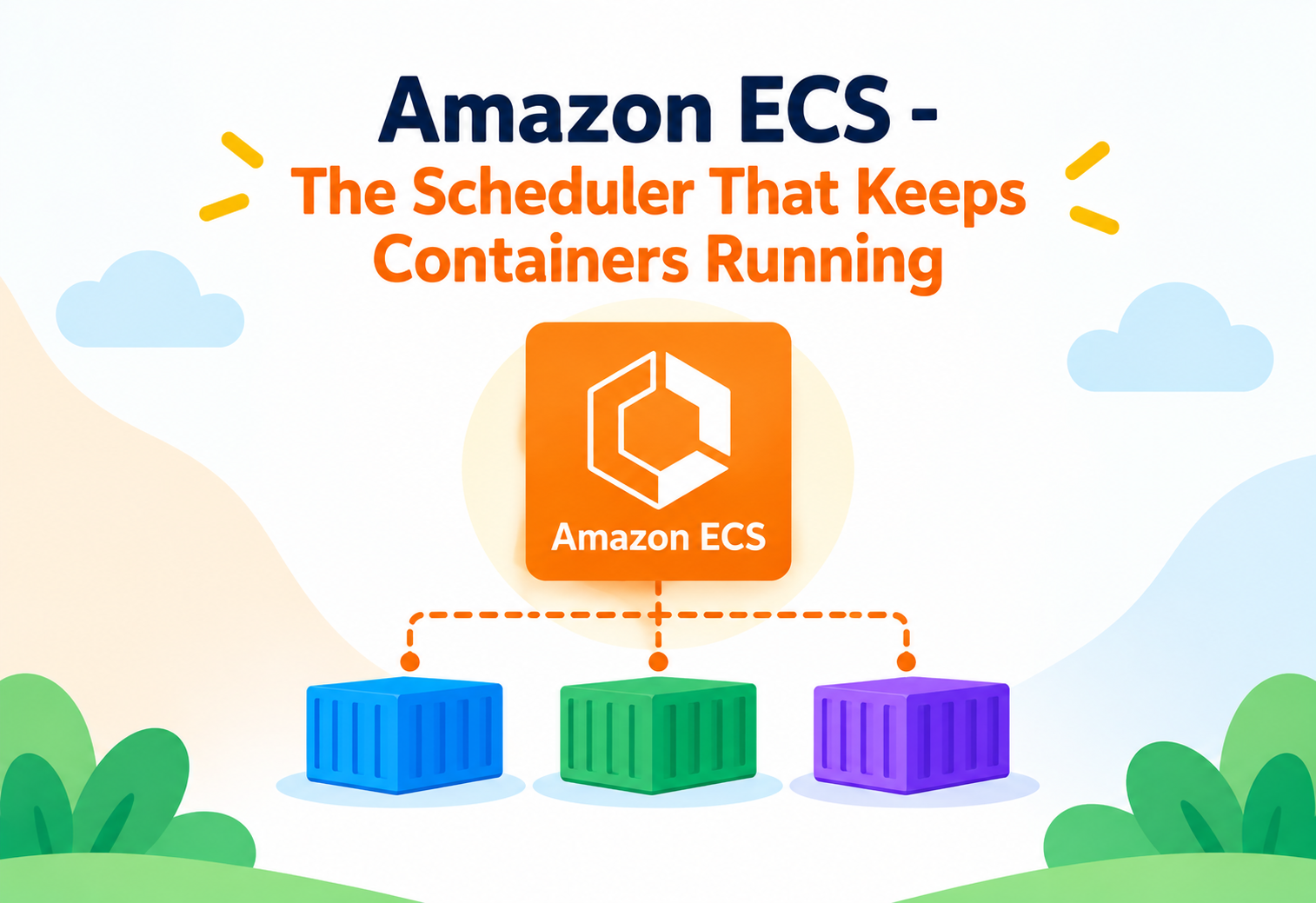
Amazon ECS – The Scheduler That Keeps Containers Running
A practical, internals-first tour of how Amazon Elastic Container Service actually schedules, places, heals, and deploys containers — task definitions, launch types, placement strategies, and the patterns that keep a fleet of services healthy without anyone watching it constantly.
Picture an orchestra conductor who never plays an instrument, but constantly watches every musician, instantly calls in a substitute the moment one goes silent, and reshuffles seating between songs to keep the sound balanced — all without the audience ever noticing a gap. That’s a fair picture of what Amazon ECS’s control plane does for containers: it doesn’t run your application code itself, it decides where copies of it run, replaces ones that fail, and rolls out new versions, continuously, in the background. Most engineers who’ve deployed something to ECS know the shape of “define a task, run a service.” This tutorial goes past that shape and into how the scheduler actually decides placement, how a deployment really rolls out, and the operational patterns that separate a smooth ECS environment from one that mysteriously loses tasks during a deploy.
1Core Concepts Beyond the Basics
Once you know ECS “runs containers,” the next layer is understanding the separation between the blueprint, the running instance, and the thing that keeps instances alive.
A task definition is a versioned, immutable blueprint — it describes container images, CPU and memory, networking mode, IAM roles, and logging configuration, but it isn’t running anything by itself. A task is one actual running instantiation of that blueprint. A service is a long-running wrapper around a task definition that maintains a desired count of tasks, replacing any that stop unexpectedly and orchestrating rolling deployments when the task definition changes.
Think of a task definition like an architectural blueprint for a house, a task like one actual house built from that blueprint, and a service like a property manager who’s contractually promised to always keep exactly five houses from that blueprint standing on a street — rebuilding one instantly if it burns down, and coordinating an orderly street-wide renovation if the blueprint itself gets updated.
Launch types: who manages the underlying compute
ECS supports two fundamentally different launch types. With the EC2 launch type, you manage a fleet of EC2 instances (registered as “container instances”) that tasks are placed onto, giving control over instance type, capacity, and cost optimization, at the price of managing that fleet. With the Fargate launch type, AWS manages the underlying compute entirely — you specify CPU and memory per task, and AWS provisions and isolates the infrastructure, removing instance management as a concern entirely.
A single ECS cluster can mix both launch types simultaneously through capacity providers, letting different services in the same cluster choose EC2 for cost-sensitive steady-state workloads and Fargate for spiky or operationally simple ones.
2Architecture and Core Components
ECS separates its architecture cleanly into a control plane that makes decisions and a data plane that actually runs containers.
Cluster
A logical grouping of tasks or container instances — the boundary within which the scheduler makes placement decisions.
Task Definition
Describes one or more containers to run together as a unit, along with their resource requirements, networking, and roles.
Service
Maintains a desired task count over time, handling replacement of failed tasks and rolling deployments.
Capacity Provider
Defines where a service’s tasks actually run — a specific Auto Scaling group of EC2 instances, or Fargate, or Fargate Spot.
graph TD
  TD[Task Definition] --> SVC[Service]
  SVC --> T1[Task 1]
  SVC --> T2[Task 2]
  SVC --> T3[Task 3]
  CP[Capacity Provider] --> T1
  CP --> T2
  CP --> T3
  SVC --> ALB[Application Load Balancer]
  ALB --> T1
  ALB --> T2
  ALB --> T3
Networking modes shape how containers get addressed
Task definitions specify a network mode. awsvpc mode gives each task its own elastic network interface with its own private IP — the default and required mode for Fargate — enabling per-task security groups. Bridge and host modes, only available on EC2 launch type, share the underlying instance’s networking in different ways, trading some isolation for slightly different port-management behavior.
3Internal Working: The Scheduler and Placement
Deciding exactly where a task runs is the scheduler’s core job, and it follows a defined, tunable process rather than picking randomly.
Placement constraints and strategies
On the EC2 launch type, the scheduler considers placement constraints (hard rules, like “only run on instances with a specific attribute”) and placement strategies (soft preferences, like spreading tasks evenly across Availability Zones, or packing them tightly onto fewer instances to reduce cost). These two mechanisms work together — constraints filter which instances are even eligible, and strategies rank the eligible candidates.
| Strategy Type | Behavior |
|---|---|
| spread | Distributes tasks evenly across a specified field, commonly Availability Zone, to maximize resilience |
| binpack | Packs tasks onto the fewest instances possible based on CPU or memory, minimizing wasted capacity |
| random | Places tasks with no particular pattern, rarely used deliberately in production |
Fargate tasks don’t expose placement strategies the way EC2 launch type does, because there’s no visible instance fleet to place tasks onto — AWS handles the underlying placement transparently. Teams migrating from EC2 to Fargate sometimes look for a placement strategy setting that simply isn’t part of that model.
The ECS agent’s role on EC2 instances
On EC2 launch type, an ECS container agent runs on each container instance, communicating with the ECS control plane to receive task placement instructions, report instance health and resource availability, and start or stop containers via the Docker daemon locally. This agent is the bridge between ECS’s centralized scheduler and the actual compute happening on each instance.
Desired count reconciliation
A service continuously compares its actual running task count against its configured desired count. Any gap — a task that crashed, an instance that was terminated, a manual scale-up request — triggers the scheduler to launch replacement tasks automatically, without any human intervention, following the same placement logic used for the initial launch.
4Data Flow and Task Lifecycle
A task moves through a well-defined sequence of states, and understanding this sequence is essential for debugging why a deployment is stuck.
PROVISIONING
For awsvpc mode, ECS allocates and attaches the elastic network interface the task will use before any container starts.
PENDING
The scheduler has selected placement and is waiting for the container image to be pulled and containers to be started.
RUNNING
All containers in the task have started; if a health check is configured, the task must also pass it before being considered healthy.
DEPROVISIONING / STOPPING
A task being replaced or scaled down is sent a stop signal, given a configurable grace period to shut down cleanly.
STOPPED
The task has fully exited; its stopped reason and exit code remain queryable, which is usually the first place to look when a task disappears unexpectedly.
Rolling deployment as a lifecycle event, not a single switch
When a service’s task definition is updated, the scheduler doesn’t stop everything and restart — it gradually launches new tasks on the new definition while gradually stopping old ones, governed by minimum-healthy-percent and maximum-percent settings that control how much capacity can be added or removed at once during the transition.
sequenceDiagram
  participant Scheduler as ECS Scheduler
  participant Old as Old Tasks
  participant New as New Tasks
  participant ALB as Load Balancer
  Scheduler->>New: Launch new tasks (new task definition)
  New->>ALB: Register once healthy
  Scheduler->>Old: Deregister from ALB
  Old->>Old: Drain connections, then stop
  Scheduler->>Scheduler: Repeat until fully rolled over
5Advantages, Disadvantages and Trade-offs
ECS’s design choices — AWS-native integration and a simpler mental model than Kubernetes — are exactly what makes it fast to adopt and occasionally limiting to extend.
Advantages
- Deep, native integration with IAM, VPC networking, and load balancing without extra glue components.
- Fargate removes instance management entirely for teams that don’t need that control.
- Simpler operational model and learning curve compared to running a full Kubernetes control plane.
- Built-in rolling and blue/green deployment support without needing separate orchestration tooling.
- Capacity providers allow mixing EC2 and Fargate, and Fargate Spot, within a single cluster.
Disadvantages / Trade-offs
- Tied to AWS — there’s no equivalent of running the same ECS control plane on-premises or in another cloud.
- Smaller ecosystem of third-party tools and extensions compared to Kubernetes’s broader community.
- Fargate’s per-task pricing model can cost more than well-utilized EC2 capacity at large, steady-state scale.
- Some advanced networking and scheduling customizations available in Kubernetes have no direct ECS equivalent.
The trade-off in one sentence
ECS trades the flexibility and portability of a self-managed, open-source orchestrator for a tightly integrated, operationally simpler experience specifically within AWS — a trade that favors teams optimizing for speed and lower operational overhead over multi-cloud portability.
6Performance and Scalability
Scaling in ECS happens at two independent levels — scaling the number of tasks, and scaling the underlying capacity those tasks run on.
Service auto scaling
ECS integrates with Application Auto Scaling to adjust a service’s desired task count based on CloudWatch metrics like CPU utilization, memory utilization, or a custom metric such as queue depth. This is target-tracking by default — you specify a target value, and Application Auto Scaling adjusts task count to hold that target, rather than requiring manually tuned scaling step rules.
Capacity scaling on the EC2 launch type
With EC2 launch type, scaling task count alone doesn’t help if there’s no available instance capacity to place new tasks onto. Capacity providers can be configured with managed scaling, automatically adjusting the underlying EC2 Auto Scaling group’s size to keep enough headroom for pending tasks — closing the loop between task-level and instance-level scaling without manual coordination.
Fargate Spot for Cost-Optimized Scaling
Fargate Spot runs tasks on spare compute capacity at a significant discount, suitable for fault-tolerant or batch-style workloads that can handle occasional task interruption — a capacity provider option that can be mixed with standard Fargate within the same service’s capacity provider strategy.
Task size and bin-packing efficiency
On EC2 launch type, choosing task CPU and memory sizes that divide evenly into instance sizes reduces wasted, unschedulable capacity fragments — a detail easy to overlook that directly affects how many tasks actually fit per instance and, therefore, overall cost efficiency.
7High Availability and Reliability
ECS’s self-healing behavior and multi-AZ placement together are what let a service survive individual task, instance, and even zone failures without manual intervention.
Automatic task replacement
If a task’s container process crashes, fails its health check, or the underlying instance becomes unhealthy, the scheduler detects the shortfall against desired count and launches a replacement automatically. This continuous reconciliation loop is the core reliability mechanism underlying every ECS service, independent of any deployment activity.
Spreading tasks across Availability Zones
A properly configured service, using a spread placement strategy across Availability Zone (on EC2) or by simply having subnets from multiple AZs available (on Fargate), avoids concentrating all task replicas in a single zone. Losing one Availability Zone should then only remove a portion of a service’s capacity rather than all of it, provided the service was actually sized with that redundancy in mind.
Running only two tasks total for a service technically satisfies “multi-AZ” placement, but losing one AZ still removes half of total capacity. Sizing desired count with actual failure tolerance in mind — not just the minimum for redundancy on paper — matters for real resilience.
Deployment circuit breaker
ECS supports a deployment circuit breaker that automatically detects a failing rollout — new tasks repeatedly failing health checks — and rolls the service back to the previous stable task definition without requiring a human to notice and intervene, preventing a bad deployment from slowly draining all healthy capacity.
8Security
ECS separates permissions into two distinct roles with very different purposes, a distinction that trips up many teams setting up their first task definition.
| Role | Used By | Purpose |
|---|---|---|
| Task Execution Role | ECS agent itself | Pull container images from ECR, fetch secrets, write logs — infrastructure-level permissions |
| Task Role | Application code inside the container | Whatever AWS APIs the application itself needs to call, like reading from S3 |
Granting an application’s needed permissions on the task execution role instead of the task role is a common mistake — the execution role is used before the application code even starts, and giving it broad application permissions unnecessarily widens what a compromised container-pull process could theoretically access.
Per-task network isolation with awsvpc mode
Because awsvpc mode gives each task its own elastic network interface, each task can have its own security group, just like an EC2 instance would. This allows genuinely fine-grained network segmentation between services sharing the same cluster, rather than everything on an instance sharing one network identity.
Secrets injection without embedding values in the task definition
Task definitions can reference secrets stored in AWS Secrets Manager or Systems Manager Parameter Store, injected as environment variables at container start by the ECS agent using the task execution role — keeping sensitive values out of the task definition’s own JSON, which is otherwise visible to anyone with read access to describe it.
9Monitoring, Logging and Metrics
Visibility into ECS spans container-level logs, cluster-level resource metrics, and higher-level performance insights layered on top.
awslogs Log Driver
Streams container stdout and stderr directly to CloudWatch Logs, the standard way to centralize application logs from every task.
Container Insights
Aggregated CPU, memory, network, and storage metrics at the cluster, service, and task level, with pre-built CloudWatch dashboards.
Service Events
A running log of scheduler decisions and deployment progress visible per service, often the first place to check when a deployment seems stuck.
Not enabling Container Insights because it carries an additional cost, then having no memory or CPU utilization visibility when diagnosing why tasks are being throttled or OOM-killed. The cost is usually small relative to the diagnostic time it saves during an incident.
10Deployment and Cloud Configuration
ECS supports more than one deployment style, and choosing the right one depends on how much control over traffic shifting a team actually needs.
Rolling Update
Gradually replaces old tasks with new ones in place, governed by minimum-healthy and maximum-percent thresholds.
Blue/Green via CodeDeploy
Provisions an entirely new task set alongside the old one, shifting load balancer traffic gradually or all at once, with automated rollback on alarm.
Capacity Provider Strategy
Distributes a service’s tasks across multiple capacity providers — for example, a base amount on standard Fargate and the remainder on Fargate Spot for cost savings.
Service discovery for internal communication
ECS Service Connect and, previously, AWS Cloud Map integration provide internal DNS names for services, letting one ECS service reach another by a stable name rather than hardcoding IP addresses or manually managing a load balancer for purely internal traffic between services.
11Design Patterns and Anti-patterns
A small number of container-orchestration patterns account for the majority of well-designed ECS deployments.
Pattern: Sidecar Containers
Running a logging agent, service mesh proxy, or metrics collector as a second container within the same task definition, sharing the task’s network namespace and lifecycle with the main application container.
Pattern: One Service per Deployable Unit
Mapping each independently deployable component of an application to its own ECS service, rather than bundling unrelated components into a single task definition, keeps deployments, scaling, and permissions properly isolated.
Pattern: Base and Burst Capacity Split
Using a capacity provider strategy with a guaranteed base amount on standard Fargate for reliability, and additional burst capacity on Fargate Spot for cost-efficient scaling under load spikes.
Problem
Packing multiple unrelated application components into a single task definition as separate containers, purely to reduce the number of task definitions to manage.
Why It’s Harmful
Because a task’s containers share the same lifecycle, scaling, and deployment cadence, an unrelated component’s crash or resource spike can bring down or destabilize the entire task, and deploying one component forces redeploying all of them together.
Correct Approach
Reserve multi-container task definitions for genuinely tightly coupled patterns like sidecars, and give each independently deployable component its own task definition and service.
12Best Practices and Common Mistakes
Most ECS production issues trace back to a handful of overlooked configuration defaults rather than exotic scheduling edge cases.
Advantages
- Separate task execution role and task role permissions deliberately, rather than combining them.
- Enable the deployment circuit breaker so bad rollouts roll back automatically.
- Size desired task count around real failure tolerance, not just the minimum for technical multi-AZ compliance.
- Enable Container Insights on production clusters for real resource-utilization visibility.
Disadvantages / Trade-offs
- Setting maximum percent too low during deployments, leaving no headroom to launch new tasks before old ones stop.
- Ignoring health check grace periods, causing the scheduler to kill slow-starting tasks prematurely during deploys.
- Choosing task CPU/memory sizes that don’t divide evenly into EC2 instance sizes, wasting schedulable capacity.
- Hardcoding secrets as plain environment variables in the task definition instead of referencing Secrets Manager or Parameter Store.
Reviewing a service’s event log immediately after a stuck deployment almost always reveals the specific reason — a failing health check, insufficient capacity, or an image pull failure — faster than guessing from metrics alone.
13Real-world and Industry Examples
ECS tends to be the container platform of choice for teams that want container benefits without adopting the full operational surface of Kubernetes.
Startups Standardizing on AWS-Native Tooling
Early and mid-stage startups frequently choose ECS with Fargate specifically to avoid hiring dedicated platform engineers for Kubernetes cluster operations, trading some flexibility for faster time to production.
Media Encoding and Batch Workloads
Video processing and other batch-style workloads use ECS tasks, often on Fargate Spot, to run large numbers of short-lived, fault-tolerant jobs cost-effectively without maintaining a persistent instance fleet.
Enterprises Running Mixed EC2 and Fargate Fleets
Larger organizations often run steady-state, high-utilization services on EC2 capacity providers for cost efficiency, while using Fargate for lower-traffic or less-predictable internal services, all within the same overall ECS strategy.
14Frequently Asked Questions
A task is one running instantiation of a task definition. A service maintains a desired number of tasks over time, automatically replacing failed ones and managing rolling deployments — a standalone task with no service has no such self-healing behavior.
Fargate removes instance management entirely and suits variable or operationally simple workloads; EC2 launch type offers more control and can be more cost-efficient at high, steady utilization, at the cost of managing the underlying instance fleet yourself.
Common causes include a failing health check preventing new tasks from being considered healthy, insufficient capacity to place new tasks alongside old ones, or an image pull failure — checking the service’s event log is usually the fastest way to identify which one applies.
The task execution role is used by the ECS agent itself for infrastructure actions like pulling images and fetching secrets before the application starts. The task role is used by the application code running inside the container for whatever AWS API calls it needs to make.
Yes — a cluster can have multiple capacity providers attached, including EC2 Auto Scaling groups and Fargate, letting different services within the same cluster choose different underlying compute.
ECS receives an interruption notice and the task is stopped; if it’s part of a service, the scheduler automatically launches a replacement task to restore desired count, making Spot suitable mainly for workloads tolerant of that kind of interruption.
15Summary and Key Takeaways
Amazon ECS’s real job is continuous reconciliation — constantly comparing what’s actually running against what was asked for, and quietly correcting any gap, whether that gap comes from a crashed container, a terminated instance, or a deliberate deployment. Understanding the separation between task definitions, tasks, and services; how the scheduler places and heals tasks; and how task execution roles differ from task roles turns ECS from “a place containers run” into a system whose behavior during a failure or a deployment is genuinely predictable rather than mysterious.
Key Takeaways
- Task definitions, tasks, and services are distinct layers — a blueprint, a running instance, and a continuity guarantee, respectively.
- Launch type decides who manages compute — EC2 gives control over instances; Fargate removes that responsibility entirely.
- Placement strategies and constraints together decide task location on EC2 launch type, with spread and binpack covering most real needs.
- Rolling deployments are gradual, health-check-gated transitions, not instantaneous switches, governed by percent thresholds.
- The deployment circuit breaker automatically rolls back a failing deployment, preventing a bad release from draining all healthy capacity.
- Task execution role and task role serve different purposes — infrastructure actions versus application-level API access — and shouldn’t be conflated.
- Container Insights and service event logs are usually the fastest path to diagnosing a stuck deployment or an unhealthy service.