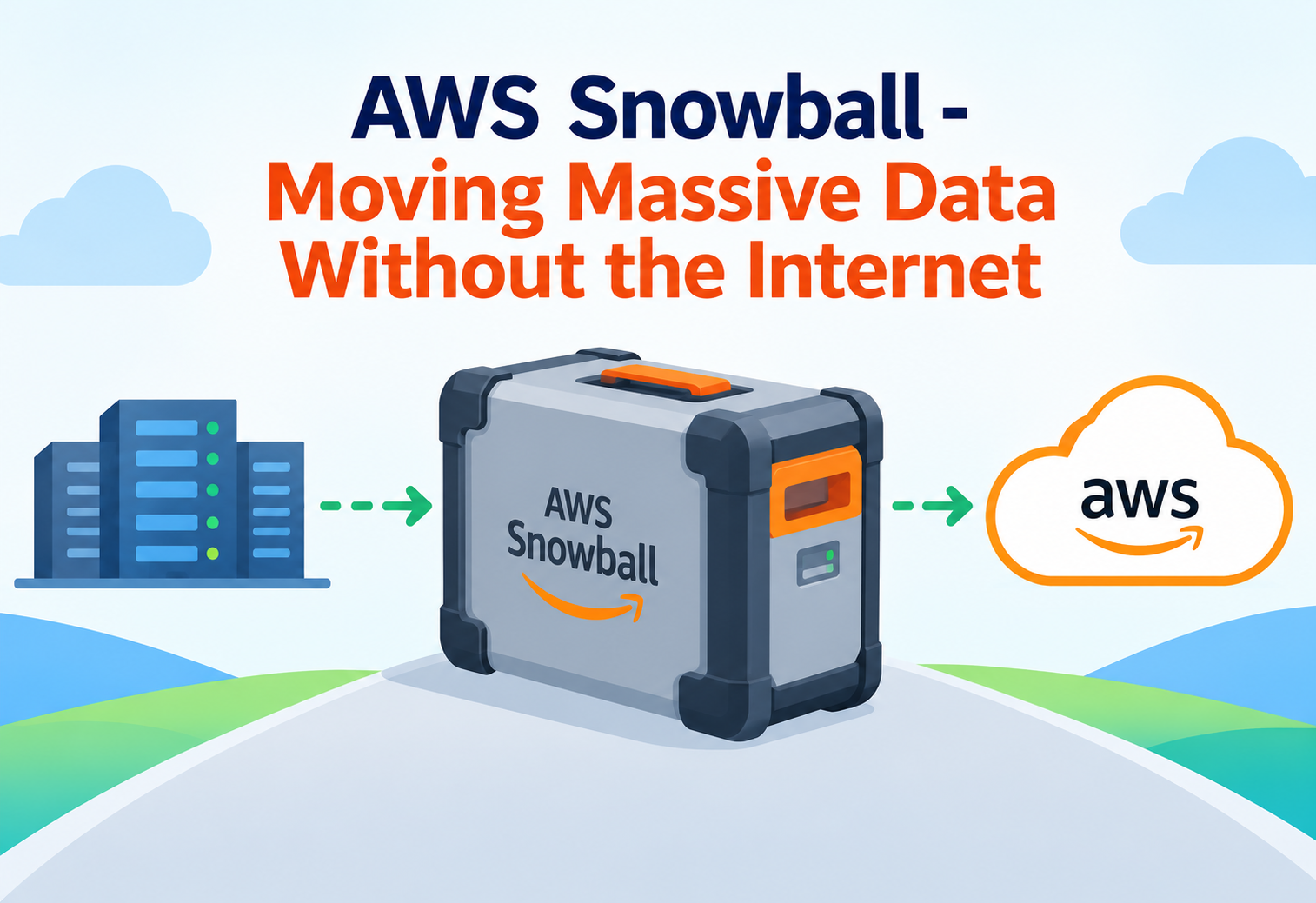
AWS Snowball – Moving Massive Data Without the Internet
AWS Snowball is a rugged physical device that Amazon ships to your door so you can move huge amounts of data into and out of the cloud — no internet connection required.
Imagine you have to move a swimming pool full of water from your house to your friend’s house across town. You could carry it bucket by bucket through a tiny garden hose — that would take forever. Or, you could pour it into a giant tanker truck and drive it over in one trip. Moving data works the same way. The “garden hose” is your internet connection, and for very large amounts of data, it is simply too slow. AWS Snowball is Amazon’s “tanker truck” — a tough, suitcase-sized (or truck-sized) computer that carries your data physically instead of digitally. This tutorial explains, in the simplest way possible, what AWS Snowball is, how it works inside, why companies use it, and how to use it well.
1What Is AWS Snowball?
A physical device that carries your data for you, instead of sending it over the wires.
AWS Snowball is a service from Amazon Web Services (AWS) that gives you a physical, tamper-resistant device — think of a very tough, briefcase-sized box — that you use to move large amounts of data between your location and the AWS cloud. Instead of uploading files over the internet, you copy your data onto the Snowball device, and then Amazon physically transports it to one of their data centers, where the data is uploaded into your cloud storage over their own super-fast internal network.
Think of AWS Snowball like a moving van for your digital furniture. If you only have a few boxes, you can carry them yourself (upload over the internet). But if you are moving an entire house full of furniture, you call a moving company that sends a truck, packs everything up, and drives it to the new house. Snowball is that truck, except it carries data instead of couches.
Why does this exist? Because internet connections have limits. Even a fast business internet connection can only push a certain amount of data per second. When a company has many terabytes (or even petabytes) of data — think of an entire library of movies, years of scientific research, or every photo ever taken by a hospital’s X-ray machines — sending that over a normal internet line could take weeks or months. Snowball solves this by turning “how fast is your internet” into “how fast can a truck drive.”
Data Migration
The process of moving data from one storage location (like your office computers) to another (like the AWS cloud).
Petabyte
A unit of data storage equal to about 1,000 terabytes, or roughly 500 billion pages of text.
Edge Computing
Running computer programs physically close to where the data is created, instead of sending everything to a faraway cloud server first.
Amazon S3
Amazon’s cloud storage service, where files uploaded from Snowball devices usually end up living.
2The Big Problem: Why the Internet Is Not Enough
Some jobs are simply too big for a garden hose, no matter how long you wait.
To understand why Snowball exists, it helps to do a little bit of simple math. Suppose a company has 100 terabytes of data (a modest amount for a large business — think of hundreds of thousands of high-resolution photos) and a good business internet connection that can upload at 100 megabits per second. Even under perfect, non-stop conditions, transferring 100 terabytes over that connection would take more than 100 days. In the real world, connections slow down, get interrupted, and share bandwidth with other office work, so the real number is often much worse.
There is also a hidden cost: internet transfer is not free, and it is not always reliable. A transfer that takes weeks can be interrupted by a power outage, a network hiccup, or someone accidentally unplugging a cable — forcing you to start over. Shipping a physical device avoids all of that. Once your data is copied onto the Snowball, it does not care if the office Wi-Fi goes down.
AWS has a simple rule of thumb many engineers use: if moving your data over the internet would take more than about a week, it is usually cheaper and faster to use a physical device like Snowball instead.
3How AWS Snowball Works Internally
From ordering the device to seeing your data appear in the cloud — the full journey.
Even though Snowball feels like a simple “box that carries data,” a lot happens behind the scenes to keep everything safe, tracked, and fast. Here is the internal working, step by step.
flowchart TD
    A[You order a Snowball device from AWS Console] --> B[AWS ships the device to your address]
    B --> C[You connect it to your local network]
    C --> D[You copy data using the Snowball Client or file interface]
    D --> E[Data is encrypted automatically on the device]
    E --> F[You ship the device back to AWS]
    F --> G[AWS data center scans and verifies the device]
    G --> H[Data is decrypted and uploaded into Amazon S3]
    H --> I[AWS performs a secure wipe of the device storage]
The Ordering Step
You start in the AWS Management Console, the website where you control all your AWS services. You choose which type of Snowball device you need, how much storage you want, and where it should be shipped. AWS then prepares a physical unit, loads it with a special job identifier, and ships it to you, usually within a few business days.
The Loading Step
Once the device arrives, you plug it into power and into your local network using a standard network cable. The device turns on and shows an E Ink screen (like the screen on an e-reader) with instructions and a shipping label. You then use special tools provided by AWS to copy your files onto the device, much like copying files onto an external hard drive, except this “hard drive” can hold dozens of terabytes.
The Encryption Step
As data is written onto the Snowball, it is automatically scrambled using strong encryption (AWS uses a standard called 256-bit encryption). This means that even if the truck carrying the device were to get lost, nobody could read your files without the secret digital key, which stays safely inside AWS’s systems — not on the device itself.
The Return and Import Step
Once your data is loaded, you print the pre-paid shipping label (it appears right on the device’s screen) and hand it to a shipping carrier. When it arrives at an AWS facility, the device is scanned, checked, and connected to AWS’s internal network, which is far faster than any normal internet connection. The data is decrypted and copied into your chosen storage service, most commonly Amazon S3. Finally, AWS performs a certified secure erase of the device, wiping every trace of your data before the device is reused.
4The AWS Snowball Family of Devices
Not all data-moving jobs are the same size — AWS offers different devices for different needs.
AWS does not offer just one box; it offers a whole family of devices, sized for different jobs, from a small backpack-friendly device to an actual 18-wheeler truck.
AWS Snowcone
A tiny, lunchbox-sized device (about 4.5 kilograms) that holds up to 8 terabytes. It can even run on battery power, making it great for remote or rugged locations like ships or oil rigs.
Snowball Edge – Storage Optimized
A briefcase-sized device with around 80 terabytes of usable storage, designed mainly for moving large amounts of data with some light computing power available too.
Snowball Edge – Compute Optimized
Similar in size, but packed with more processing power and even optional graphics processors (GPUs), so it can run real applications on-site, not just store files.
AWS Snowmobile
An actual shipping container pulled by a truck, capable of moving up to 100 petabytes of data at once — used by organizations moving an entire data center’s worth of information.
Beginners often think “Snowball” is a single product. In reality, “Snowball” is a family name, similar to how “iPhone” refers to many different models. Always check which specific device fits your data size and location needs.
5The Data Migration Lifecycle
A closer look at each stage a Snowball job passes through, from request to completion.
Create a Job
You log into the AWS Console, describe your data migration job (how much data, which direction, which region), and AWS prepares a device for you.
Receive the Device
The physical Snowball arrives at your location, already assigned uniquely to your job so AWS can track exactly which device belongs to which customer.
Connect and Unlock
You connect it to power and network, then use a special unlock code (delivered securely through the AWS Console) to activate the device for use.
Transfer Data
Using tools like the Snowball Client, the AWS OpsHub application, or standard file-sharing protocols, you copy your data onto the device.
Ship It Back
You print the shipping label from the device’s own screen and hand it to the carrier — no need to pack it in a special box, since the device is already rugged and self-contained.
AWS Imports the Data
At the AWS facility, your data is transferred into the cloud storage service you selected, and you receive a notification once the import job is complete.
Secure Wipe
AWS performs a certified data erasure on the device following NIST guidelines, so your data cannot be recovered by anyone once the job is finished.
6Security Inside the Box
Moving data physically might sound risky, but Snowball is built like a digital armored truck.
A natural first question is: “Isn’t it dangerous to mail your company’s data around in a box?” AWS designed Snowball with several layers of protection specifically to answer that worry.
256-bit Encryption
All data on the device is scrambled using industry-standard encryption keys that are managed by AWS Key Management Service, not stored on the device itself.
Tamper-Evident Casing
The physical case is designed so that any attempt to open or break into it leaves obvious, visible evidence.
Trusted Platform Module (TPM)
A dedicated security chip inside the device verifies that its software has not been altered before allowing any data operations.
End-to-End Tracking
Every device has GPS-style tracking and a unique identifier, so AWS always knows exactly where a given Snowball is in its journey.
It is a bit like an armored cash-in-transit van. Even if someone stole the van, the money inside is in a locked, alarmed safe that only the bank has the combination to — and if anyone tries to force it open, alarms go off immediately.
7Snowball Edge as a Mini Cloud Computer
Snowball is not just for storing files — it can actually run programs too.
Here is a surprising fact for beginners: some Snowball devices are not only storage boxes, they are also small, portable versions of the AWS cloud itself. The “Edge” devices can run virtual computers (called EC2 instances) and even short pieces of code (called AWS Lambda functions) directly on the device, without needing an internet connection at all.
This matters for places where connecting to the internet is difficult or impossible — think of a container ship in the middle of the ocean, a remote mining site, or a disaster-response area with no working networks. In these cases, Snowball Edge becomes a temporary, offline version of the cloud that processes data right where it is created.
Disconnected Field Operations
An oil and gas company running sensors on an offshore rig can use Snowball Edge to collect and analyze sensor data locally, only syncing summarized results back to AWS once the device eventually returns to a location with internet access.
Video and Image Processing at the Source
A film studio shooting on location can use a Snowball Edge Compute Optimized device to start processing raw video footage immediately, instead of waiting to return to the studio.
Scientific Research in Remote Areas
Researchers in Antarctica or deep rainforests can run data analysis programs on Snowball Edge devices, since traditional internet connections in these areas are extremely limited or non-existent.
8Advantages, Disadvantages & Trade-offs
Like every tool, Snowball is perfect for some jobs and the wrong choice for others.
Advantages
- Moves very large amounts of data far faster than most internet connections.
- Works in places with no reliable internet connection at all.
- Encrypts data automatically, reducing the risk of exposure.
- Some models can run real computing workloads, not just store files.
- Often cheaper than paying for weeks of high-bandwidth internet transfer.
Disadvantages / Trade-offs
- Physical shipping introduces delays measured in days, not seconds.
- Not practical for small amounts of data — the setup effort is not worth it.
- Requires physical handling, storage space, and someone to manage the device on-site.
- Devices can be lost or delayed in shipping, though rare with tracking in place.
9Performance & Scalability
Choosing between a Snowcone, a Snowball Edge, and a Snowmobile is really a question of scale.
| Device | Typical Capacity | Best For |
|---|---|---|
| AWS Snowcone | Up to 8 TB | Small jobs, remote or rugged environments |
| Snowball Edge (Storage Optimized) | Up to 80 TB | Large-scale data migration |
| Snowball Edge (Compute Optimized) | Up to 28 TB + GPU compute | Edge computing and processing |
| AWS Snowmobile | Up to 100 PB | Entire data center migrations |
Scalability with Snowball works a little differently than typical cloud scaling. Instead of automatically adding more virtual servers, you scale by ordering more physical devices in parallel. A company migrating multiple petabytes might order dozens of Snowball Edge devices at once, load them simultaneously in different offices, and ship them all back together — turning what would be one impossibly slow internet transfer into many manageable physical shipments happening at the same time.
10Real-World & Industry Examples
Snowball shows up in surprising places once you know what to look for.
Media and Entertainment
Large media companies with decades of archived film and television footage use Snowmobile-scale migrations to move entire tape-based archives into the cloud, avoiding years of internet upload time.
Healthcare Imaging
Hospitals with massive libraries of medical images, such as MRI and CT scans, use Snowball Edge devices to migrate historical patient records into secure cloud storage while meeting strict privacy requirements.
Genomics and Scientific Research
Genomic sequencing produces enormous datasets. Research institutions use Snowball devices to move sequencing results from lab equipment into the cloud for large-scale analysis.
Disaster Recovery and Backups
Organizations recovering from a data center shutdown or migration sometimes need to move their entire backup archive at once — a job well suited to Snowball’s bulk transfer capability.
11Best Practices & Common Mistakes
A few simple habits separate a smooth Snowball migration from a frustrating one.
Always validate your data after copying it onto the Snowball device by checking file counts and sizes, before you ship it back — catching a mistake early saves an entire shipping round-trip.
Waiting until the last minute to order a Snowball device for a tight deadline. Shipping takes real-world time in both directions, so plan migrations well ahead of any deadline.
Use the AWS OpsHub application for a simple visual interface when managing Snowball Edge devices, instead of only relying on command-line tools, especially if you are new to AWS.
Forgetting to track which physical device belongs to which job when ordering multiple Snowballs at once — always label devices clearly on arrival to avoid mixing up shipments.
12Design Patterns & Anti-patterns
How experienced teams decide when Snowball is the right — or wrong — tool for the job.
Problem
A team orders a large Snowball device to migrate only a few hundred gigabytes of data, thinking bigger is always safer.
Why It’s Harmful
This adds unnecessary shipping delays and handling effort for an amount of data that a normal internet connection could have uploaded in a few hours.
Correct Approach
Reserve Snowball for genuinely large transfers — typically many terabytes or more — and use standard internet-based tools for smaller jobs.
Problem
A company needs to migrate several petabytes of data spread across many office locations under a tight timeline.
Why It Works
Ordering multiple Snowball Edge devices in parallel, one per location, allows all offices to load and ship data simultaneously rather than one after another.
Correct Approach
Plan device counts based on total data volume and deadline, and coordinate shipping schedules so devices arrive at the AWS facility in a steady, manageable stream.
13Frequently Asked Questions
No. Snowball can move data in both directions — into AWS or out of AWS — which is useful when leaving a cloud provider or restoring a large backup to on-site systems.
Because all data on the device is encrypted and the encryption keys are never stored on the device itself, a lost device cannot be read by anyone who finds it. AWS also tracks devices closely during transit.
No special hardware is required. You just need a standard power outlet and a network cable to connect the device to your local network.
The Snowball Edge models can do both — they store files and can also run virtual computers and small programs directly on the device, which is especially useful in locations without internet access.
AWS performs a certified secure data wipe on every returned device, following recognized data-destruction standards, before the device is used for another customer.
While it is most commonly used by large organizations with massive data volumes, any organization with a large enough one-time transfer need — even a mid-sized business — can use Snowball.
14Summary and Key Takeaways
AWS Snowball turns the problem of “my internet is too slow for this much data” into a solved problem, by physically shipping a rugged, encrypted device to carry your data instead. From the small, battery-powered Snowcone to the truck-sized Snowmobile, the Snowball family scales to fit jobs ranging from a few terabytes to entire data centers. Along the way, strong encryption, tamper-evident hardware, and certified data wiping keep everything secure, while Snowball Edge devices add the ability to run real computing workloads even without an internet connection. Used at the right scale and planned with enough lead time, Snowball turns what would be a months-long upload into a matter of days.
Key Takeaways
- Snowball moves data physically — it ships a device to you instead of relying on your internet connection.
- The Snowball family has multiple sizes — Snowcone, Snowball Edge (Storage or Compute Optimized), and Snowmobile, each suited to a different data volume.
- Security is built in — 256-bit encryption, tamper-evident casing, and a Trusted Platform Module protect your data throughout its journey.
- Some devices double as mini cloud computers — Snowball Edge can run virtual servers and small programs even without internet access.
- It is best for large, one-time transfers — small day-to-day transfers are still better handled over the internet.
- Planning ahead matters — shipping time in both directions must be built into any migration deadline.
- Devices are always securely wiped after your data is imported, following certified data-destruction standards.

