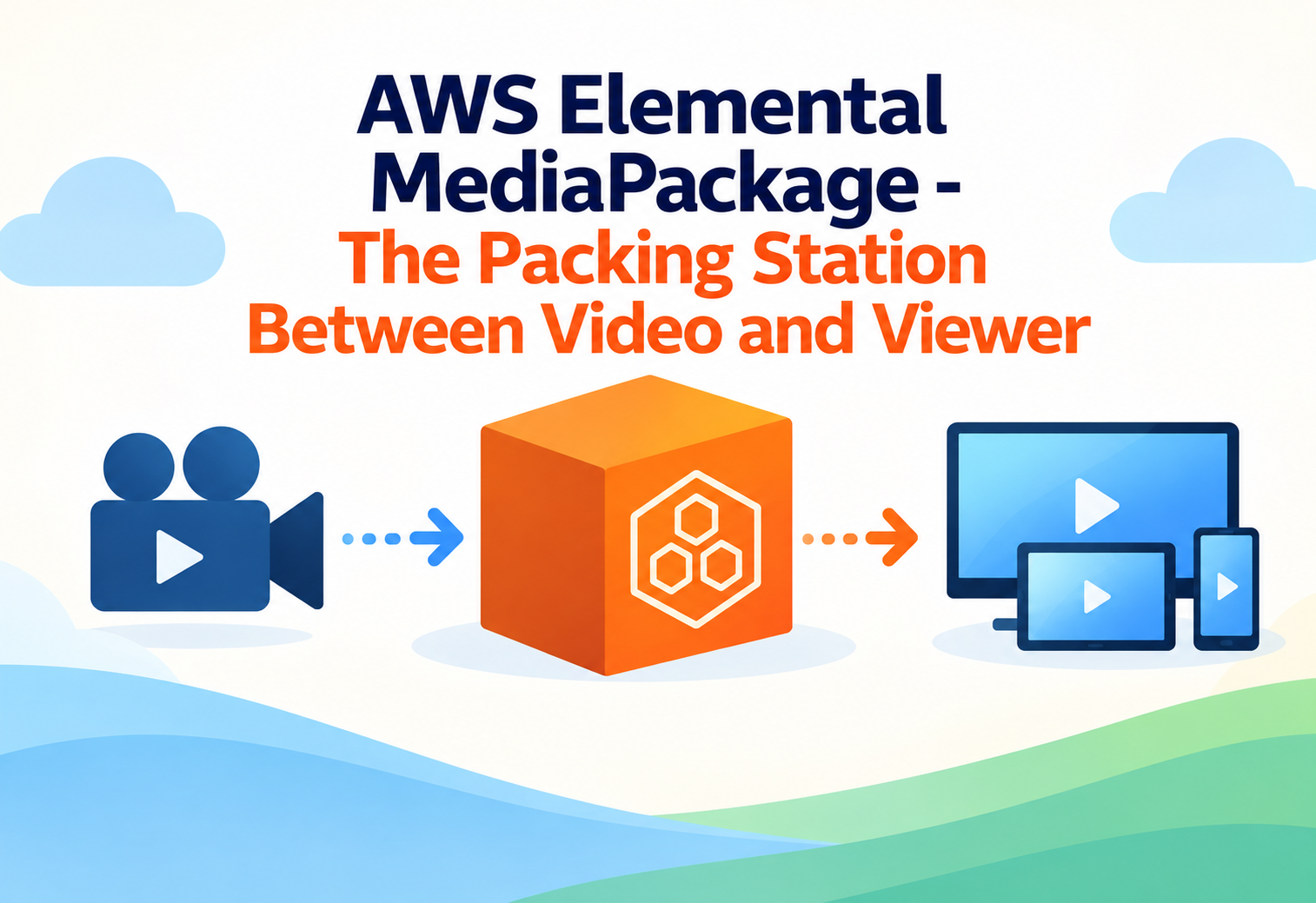
AWS Elemental MediaPackage – The Packing Station Between Video and Viewer
AWS Elemental MediaPackage takes prepared video streams and repackages, protects, and delivers them reliably to every viewer's app or device, live or on demand.
Imagine a bakery that makes one big batch of fresh bread every morning. Some customers want the bread sliced thin for sandwiches, some want it whole for dinner tables, and some want it individually wrapped for a store shelf. The bread itself does not change — only how it is packaged and delivered changes to fit each customer’s needs. AWS Elemental MediaPackage plays that exact role for video: it takes one incoming video stream and repackages it into the different formats, protections, and delivery styles that different viewers and apps require, all without needing a separate bakery for each customer.
1What Is AWS Elemental MediaPackage?
The service that stands between “we have video” and “viewers can actually watch it reliably.”
AWS Elemental MediaPackage is a video packaging and origination service. It receives an incoming video stream — often already encoded by another service — and prepares it for delivery to viewers by formatting it into the exact streaming protocols their devices need, adding content protection when required, and making sure the stream can handle sudden surges of viewers without breaking.
Think of MediaPackage as a shipping and packaging warehouse. A factory (the video encoder) produces the actual product, but the warehouse decides how to box it, label it, and route it so it arrives safely and correctly at each different store, whether that store is an app on a phone, a smart TV, or a web browser.
This distinction matters because “encoding” a video (compressing it into a usable format) and “packaging” a video (preparing it for actual delivery, with the right protocol and protections) are two different jobs. AWS Elemental MediaLive or MediaConvert typically handle the encoding, while MediaPackage focuses specifically on packaging and origin serving — acting as the reliable front door that video players actually connect to.
Origin Server
The server that video players connect to first, to request and receive a video stream.
Live Stream
Video that is being broadcast in real time, such as a live sports game, rather than a pre-recorded file.
DRM (Digital Rights Management)
Technology used to control and protect who is allowed to view or copy video content.
Ad Insertion
The process of inserting advertisements into a video stream, either live or on demand.
2Why Does Video Packaging Need to Be Its Own Job?
Delivering video reliably to millions of unpredictable viewers is a very different challenge than simply creating it.
Producing a video stream is one challenge; reliably delivering that same stream to potentially millions of viewers, each using a different app, device, and network condition, is an entirely separate challenge. A viewer’s app might request the video using the HLS protocol, while another platform’s app requests the same content using DASH. Some viewers need the content protected with DRM because they paid for a subscription, while others are watching free, ad-supported content that needs advertisements inserted seamlessly into the stream.
If every app and device required its own separately encoded video stream, media companies would need to produce and manage dozens of nearly identical video pipelines for the exact same piece of content — an expensive and error-prone approach.
There is also the challenge of scale and reliability. A wildly popular live event might suddenly attract millions of simultaneous viewers, and the packaging and delivery layer must handle that surge without crashing or slowing down. AWS Elemental MediaPackage was built specifically to solve packaging, protection, and reliable origin serving as a dedicated, scalable service, separate from the encoding process itself.
3How AWS Elemental MediaPackage Works Internally
From an incoming encoded stream to a protected, ready-to-play output for every device.
flowchart TD
    A[Encoder such as MediaLive sends a video stream] --> B[MediaPackage channel receives the incoming stream]
    B --> C[Stream is repackaged into requested output formats like HLS or DASH]
    C --> D[Optional DRM encryption is applied for content protection]
    D --> E[Optional ad markers are inserted for ad insertion systems]
    E --> F[Packaged output is made available through an endpoint]
    F --> G[Viewers request the stream through a CDN such as Amazon CloudFront]
The Channel Step
You start by creating a “channel” inside MediaPackage, which acts as the receiving point for an incoming video stream, typically sent from an encoder such as AWS Elemental MediaLive for live content.
The Packaging Step
Once the stream arrives, MediaPackage repackages it into one or more output formats you have configured, such as HLS or DASH, without needing separate encoding for each format. This is the core “packaging” job — taking one incoming stream and preparing multiple delivery-ready versions from it.
The Protection Step
If content protection is required, MediaPackage can automatically apply DRM encryption during packaging, working with DRM key providers to ensure only authorized viewers can decode and watch the content.
The Delivery Step
The packaged output becomes available through an “endpoint” — essentially a web address that video players can request. This endpoint is typically placed behind a content delivery network like Amazon CloudFront, which caches and distributes the video efficiently to viewers around the world.
4Live Versus On-Demand Packaging
MediaPackage handles two related but distinct kinds of video delivery.
Live Channel Packaging
Continuously receives a live incoming stream and repackages it in real time, used for live sports, news, and events.
Time-Shifted Viewing
Allows viewers joining a live stream late to start from the beginning or pause and rewind, by keeping a short buffer of recent content.
Video-On-Demand (VOD) Packaging
Packages already-recorded video assets for on-demand streaming, similar to how a movie appears in a streaming library.
Harvesting Live to VOD
Captures a finished live event and converts it into an on-demand asset automatically, so it can be replayed later.
The same underlying MediaPackage technology supports both live and on-demand delivery, which is why platforms can offer live events and let viewers watch replays afterward, all from a single connected pipeline.
5Setting Up a MediaPackage Workflow
A typical path from an encoder’s output to a fully protected, streaming-ready endpoint.
Create a Channel
Set up a MediaPackage channel to act as the receiving point for your incoming encoded video stream.
Connect Your Encoder
Configure your encoder, such as AWS Elemental MediaLive, to send its output directly into the MediaPackage channel.
Create Output Endpoints
Define one or more endpoints describing the output formats, such as HLS or DASH, that viewer apps will actually request.
Configure Content Protection (Optional)
Attach DRM settings if your content needs to be restricted to authorized, paying viewers only.
Add a CDN in Front
Place a content delivery network, like Amazon CloudFront, in front of your MediaPackage endpoint to efficiently serve viewers worldwide.
Test with Real Players
Confirm playback works correctly across the specific apps and devices your audience actually uses, before going fully live.
6Security and Content Protection
Protecting valuable content is often just as important as delivering it smoothly.
DRM Encryption
MediaPackage can encrypt content using major DRM systems, ensuring only authorized apps and devices can decode and play the video.
Access Control on Endpoints
Endpoints can be restricted so only approved applications or services are allowed to request the packaged video.
Secure Token Authentication
Viewer requests can be validated using secure tokens, preventing unauthorized links from being shared and reused elsewhere.
Encrypted Delivery
Content delivered through HTTPS ensures the video stream itself is encrypted in transit between the origin and the viewer.
DRM protection is like a movie ticket that only works at one specific theater, on one specific night, for one specific seat — even if someone photocopies the ticket, the copy will not actually get them into the correct showing.
7Advantages, Disadvantages & Trade-offs
MediaPackage solves reliable delivery extremely well, but it depends on other services to do its job fully.
Advantages
- Separates packaging and delivery concerns from the encoding process itself.
- Supports multiple streaming formats from a single incoming stream.
- Built-in support for DRM protection and ad insertion markers.
- Automatically scales to handle sudden surges in viewer demand.
- Works smoothly with other AWS media services, like MediaLive and CloudFront.
Disadvantages / Trade-offs
- Does not encode video itself — it depends on a separate encoder to provide the incoming stream.
- Setting up DRM and secure workflows requires understanding several moving pieces together.
- Not the right tool if you only need simple, one-off file conversion, which is better suited to MediaConvert.
- Ongoing packaging costs scale with the number of channels and amount of viewer traffic.
8Performance & Scalability
Built to handle everything from a small community stream to a globally watched live event.
Because MediaPackage is fully managed, it automatically scales its packaging and origin-serving capacity as viewer demand rises, without requiring manual server provisioning. Pairing MediaPackage with a content delivery network is essential for very large audiences, since the CDN absorbs most of the direct viewer traffic by caching content close to viewers, while MediaPackage focuses on preparing and protecting the content in the first place.
9Real-World & Industry Examples
MediaPackage sits quietly behind many streaming experiences people use every day.
Live Sports Broadcasting
Sports streaming platforms use MediaPackage to package live game feeds into multiple formats, while also supporting time-shifted viewing for latecomers.
Subscription Streaming Services
Paid streaming platforms rely on MediaPackage’s DRM integration to ensure only paying subscribers can decode and watch premium content.
News Broadcasters
24-hour news channels package continuous live feeds for online viewers, alongside on-demand replays of specific segments.
Ad-Supported Streaming Platforms
Free, ad-supported services use MediaPackage’s ad marker insertion capability to seamlessly blend advertisements into both live and on-demand content.
10Best Practices & Common Mistakes
A few careful choices make the difference between a smooth stream and a frustrating one.
Always place a content delivery network in front of your MediaPackage endpoint for any audience larger than a small internal test group, to avoid overwhelming the origin directly.
Skipping DRM setup for premium content because it seems complex at first, which can lead to unauthorized copying or sharing of valuable video assets.
Test your live-to-VOD “harvesting” workflow well before an important event, so replay viewing works correctly the moment the live broadcast ends.
Assuming MediaPackage alone handles encoding. Always confirm an encoder, such as MediaLive, is properly configured to feed the MediaPackage channel.
11Design Patterns & Anti-patterns
How experienced teams design a resilient, scalable video delivery pipeline.
Problem
A team lets viewer apps connect directly to the MediaPackage origin endpoint without any content delivery network in between.
Why It’s Harmful
Direct connections from a large audience can overwhelm the origin, leading to slow playback or failed requests during high-traffic events.
Correct Approach
Always route viewer traffic through a CDN like Amazon CloudFront, which absorbs the bulk of requests and only occasionally checks back with the MediaPackage origin.
Problem
A streaming platform needs to support both live viewing and later on-demand replay of the same event, without building two separate systems.
Why It Works
Configuring MediaPackage to harvest the live stream into a VOD asset automatically reuses the same packaging pipeline for both live and replay viewing.
Correct Approach
Set up harvesting jobs alongside your live channel configuration, so a finished VOD asset becomes available shortly after the live event ends, with minimal extra setup.
12Frequently Asked Questions
No. MediaPackage focuses on packaging, protecting, and delivering an already-encoded stream, which typically comes from a separate encoder such as AWS Elemental MediaLive.
Yes. A single incoming stream can be packaged into several output formats, such as HLS and DASH, from one MediaPackage channel.
No. MediaPackage supports both live channel packaging and video-on-demand packaging, and can even convert a finished live event into an on-demand asset automatically.
MediaPackage can apply DRM encryption during packaging, working with DRM key providers so only authorized viewers or apps can successfully decode the content.
Yes, for any meaningful audience size. MediaPackage prepares and serves the content from its origin, but a CDN like Amazon CloudFront is essential for efficiently delivering it to large numbers of viewers worldwide.
Yes. MediaPackage supports inserting ad markers into both live and on-demand streams, which downstream ad-insertion systems use to seamlessly place advertisements.
13Summary and Key Takeaways
AWS Elemental MediaPackage handles a job that is easy to overlook but essential to every successful video experience: taking an already-encoded stream and reliably packaging, protecting, and delivering it to whatever app or device a viewer happens to be using. By separating this packaging and origination role from encoding itself, and by supporting both live and on-demand delivery, DRM protection, and ad insertion, MediaPackage lets media companies build flexible, scalable video pipelines without reinventing this complex layer themselves.
Key Takeaways
- MediaPackage packages, not encodes — it prepares an already-encoded stream for reliable delivery.
- It supports multiple output formats like HLS and DASH from a single incoming stream.
- It handles both live and on-demand delivery, including converting finished live events into replayable assets.
- Content protection is built in — DRM encryption keeps premium content restricted to authorized viewers.
- Ad insertion markers allow seamless advertisement placement in both live and on-demand streams.
- A CDN is still essential for delivering content efficiently to large, geographically spread audiences.
- It scales automatically, handling sudden viewer surges during high-demand live events.

