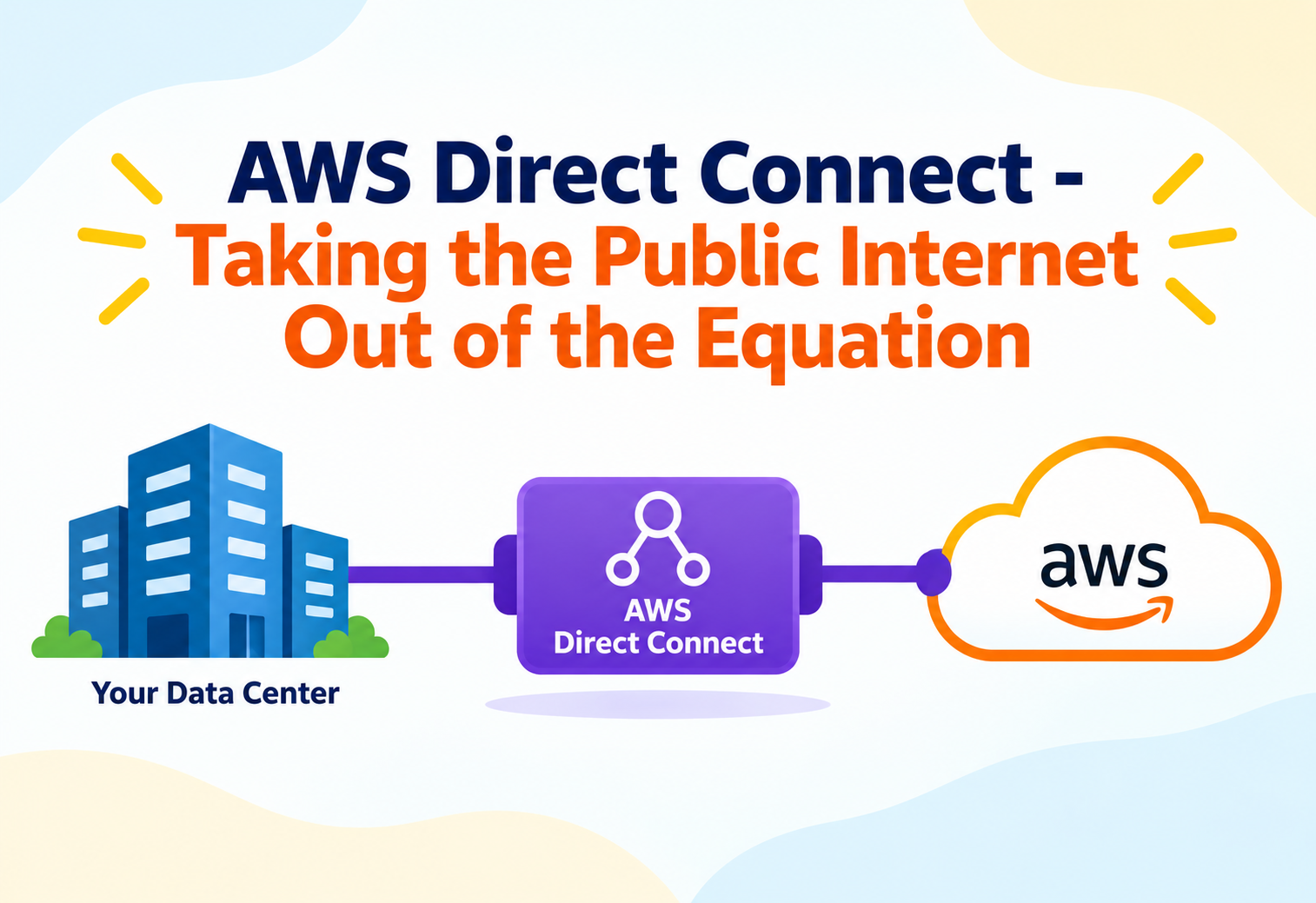
AWS Direct Connect – Taking the Public Internet Out of the Equation
A ground-up look at how Direct Connect wires a data center straight into AWS's network fabric, why that changes latency and reliability math entirely, and how virtual interfaces turn one physical cable into many isolated network paths.
Imagine two office buildings across the street from each other, but every memo between them has to be mailed through a national postal service, get sorted at a regional hub, and eventually arrive days later. Now imagine someone simply runs a private phone line straight between the two buildings. Nothing about the distance changed — but the unpredictability, the queuing, the dependence on shared infrastructure all disappeared. That’s the shift AWS Direct Connect makes for network traffic between an on-premises environment and AWS: it replaces a path shared with the entire public internet with a dedicated, private physical connection. This tutorial explains what actually happens on that wire.
1Architecture and Core Components
Direct Connect’s architecture separates the physical layer — an actual cable into an AWS facility — from the logical layer, where virtual interfaces carve that single connection into multiple isolated, purpose-specific paths.
The physical layer: connections and locations
A Direct Connect connection is a dedicated physical network link between a customer’s router and an AWS device, established at a Direct Connect location — a colocation facility where AWS maintains network equipment. Customers either already have equipment in that facility or reach it through a network partner that extends connectivity from the customer’s own data center into the Direct Connect location.
The logical layer: virtual interfaces
A single physical connection can host multiple virtual interfaces, each an isolated logical connection using its own VLAN tag and BGP session. This is the mechanism that lets one physical cable simultaneously carry traffic to a private VPC, to public AWS service endpoints, and to a shared transit architecture — all logically separated despite sharing the same underlying fiber.
Connection
The dedicated physical network link at a specific port speed between customer equipment and an AWS device.
Private Virtual Interface
A logical interface routing traffic to resources inside a specific VPC via a virtual private gateway or transit gateway.
Public Virtual Interface
A logical interface routing traffic to public AWS service endpoints without traversing the public internet.
Transit Virtual Interface
A logical interface connecting to a transit gateway, enabling one connection to reach many VPCs across accounts.
Picture one physical elevator shaft in a building, but with separate, badge-locked elevator cars running inside it — one only goes to the private records floor, another only to the public lobby, another only to the shared conference floors serving multiple tenants. One shaft, many isolated, purpose-built paths.
graph TD
    Router[On-Premises Router]
    Router --> Conn[Direct Connect - Physical Connection]
    Conn --> PrivVIF[Private VIF]
    Conn --> PubVIF[Public VIF]
    Conn --> TransVIF[Transit VIF]
    PrivVIF --> VGW[Virtual Private Gateway] --> VPC1[VPC A]
    PubVIF --> S3[Public AWS Service Endpoints]
    TransVIF --> TGW[Transit Gateway] --> VPC2[VPC B]
    TGW --> VPC3[VPC C]
2Internal Working: Routing and BGP
Beneath every virtual interface sits a Border Gateway Protocol session, which is what actually tells traffic which routes exist and which path to take.
BGP sessions per virtual interface
Each virtual interface establishes its own independent BGP peering session between the customer router and the AWS side of the connection. Through this session, AWS advertises routes to its own services or VPC CIDR blocks, and the customer’s router advertises the on-premises network ranges it wants reachable from AWS — routing information is exchanged dynamically rather than configured as static routes on both ends.
Route propagation into the VPC
For a private virtual interface, once routes are learned via BGP at the virtual private gateway or transit gateway, they still need to be propagated into a VPC’s route tables before instances inside that VPC can actually send return traffic back over the connection. This propagation step is a common place where a Direct Connect setup that looks correct at the BGP level still doesn’t pass traffic, because a subnet’s route table was never updated.
Physical link established
The physical connection is active between customer equipment and the AWS device at the Direct Connect location.
Virtual interface configured
A VLAN-tagged virtual interface is created, pointing at a virtual private gateway, transit gateway, or public endpoint.
BGP session comes up
Both sides establish peering and begin exchanging route advertisements over the virtual interface.
Routes propagate to VPC route tables
Learned routes are enabled to propagate into the relevant VPC subnets’ route tables.
Bidirectional traffic flows
Instances in the VPC and systems on-premises can now reach each other over the dedicated path.
A healthy BGP session does not by itself guarantee end-to-end connectivity. Security group rules, network ACLs, and route table propagation all sit downstream of BGP and can silently block traffic even while the routing session itself reports as established.
3Data Flow and Connection Lifecycle
Provisioning Direct Connect is a multi-party process involving AWS, often a network partner, and the customer’s own on-premises network team — understanding that lifecycle avoids surprises during setup.
Dedicated versus hosted connections
A dedicated connection is an entire physical port at a Direct Connect location allocated exclusively to one customer, ordered directly through AWS. A hosted connection is a slice of a partner’s existing physical connection, resold at smaller capacity increments, provisioned through an AWS Direct Connect Partner rather than directly. Hosted connections are typically faster to provision and better suited to smaller bandwidth needs.
| Aspect | Dedicated Connection | Hosted Connection |
|---|---|---|
| Provisioned via | Directly with AWS | An AWS Direct Connect Partner |
| Capacity granularity | Fixed port speeds | Smaller, flexible increments |
| Typical setup time | Longer, physical port allocation | Shorter, reuses partner’s existing link |
| Best fit | Large, stable bandwidth needs | Smaller or growing bandwidth needs |
From order to active traffic
After a connection request is submitted, AWS provisions a port at the chosen location and the customer or their partner completes the physical cross-connect. Only once the physical layer is confirmed active does configuring virtual interfaces and BGP sessions become possible — meaning the physical and logical provisioning steps are sequential, not parallel.
Ordering a Direct Connect connection is not instantaneous like spinning up most other AWS resources — it involves physical cross-connect work at a real facility, so lead times are measured in days to weeks depending on the location and connection type.
4Performance and Scalability
Direct Connect’s performance profile comes from bypassing the public internet’s variable routing, while its scalability comes from combining multiple connections and virtual interfaces.
Link aggregation groups
Multiple physical connections at the same Direct Connect location can be combined into a link aggregation group, presenting them to BGP as one logical, higher-bandwidth connection. This increases available throughput and, because the connections are treated as a bonded group, tolerates the loss of one member link without a full outage.
Scaling reach with transit gateway
Pairing Direct Connect with a transit gateway lets a single connection reach many VPCs across multiple AWS accounts through one transit virtual interface, instead of requiring a separate private virtual interface and virtual private gateway per VPC — a pattern that scales far better as the number of VPCs grows.
Scaling With More Connections
- Increases raw available bandwidth
- Improves resilience via link aggregation
- Adds physical and provisioning complexity
Scaling With Transit Gateway
- Reduces per-VPC virtual interface sprawl
- Centralizes routing policy across many VPCs
- Adds a hop and its own scaling limits to consider
5High Availability and Reliability
Because a Direct Connect connection is a single physical link by default, availability design revolves around eliminating that single point of failure at multiple levels.
Redundant connections at separate locations
The most resilient pattern uses two physical connections terminating at two different Direct Connect locations, ideally through two different network paths back to the customer’s premises, so that a fiber cut, a facility issue, or a single device failure cannot take down connectivity entirely.
graph TD
    OnPrem[On-Premises Network]
    OnPrem --> ConnA[Connection A - Location 1]
    OnPrem --> ConnB[Connection B - Location 2]
    ConnA --> VGW[Virtual Private Gateway]
    ConnB --> VGW
    VGW --> VPC[VPC]
Failover behavior via BGP
With redundant connections properly configured, BGP naturally handles failover: if one connection’s session drops, routes learned over it withdraw, and traffic shifts to the surviving connection’s already-established session, without requiring manual route changes.
VPN as a backup path
A common pattern layers a Site-to-Site VPN connection as a backup path alongside Direct Connect, so that if the dedicated connection experiences an outage, encrypted traffic over the public internet via VPN keeps critical connectivity alive, at the cost of reduced bandwidth and higher variability during that failover window.
Resiliency tiers
AWS documents several resiliency models — from a single connection with no redundancy, up to fully redundant connections across multiple locations and multiple network devices — letting an organization choose an explicit trade-off between cost and acceptable downtime risk rather than guessing.
6Security
Bypassing the public internet removes an entire class of exposure, but Direct Connect still requires deliberate controls at the routing, encryption, and access layers.
Private Network Path
Traffic over a private virtual interface never traverses the public internet, removing exposure to internet-based interception or routing anomalies.
MACsec
Media Access Control Security can encrypt traffic at the physical link layer on supported dedicated connections, protecting data even at the wire level.
BGP Prefix Filtering
Explicitly limiting which routes are advertised and accepted prevents unintended networks from becoming reachable across the connection.
Resource-Level Permissions
Identity policies control who can create, modify, or delete connections and virtual interfaces, preventing unauthorized changes to network topology.
“Private” does not automatically mean “encrypted.” Traffic on a private virtual interface avoids the public internet, but it is not encrypted in transit by default unless MACsec or an additional encryption layer such as VPN over Direct Connect is explicitly configured.
7Monitoring, Logging and Metrics
Because Direct Connect spans physical infrastructure outside AWS’s own data centers, monitoring needs to cover both the link’s health and the routing state riding on top of it.
Connection-level metrics
Connection State
Reflects whether the physical link itself is currently up, tracking the most fundamental health signal.
BGP Session State
Per virtual interface, shows whether routing peering is established, idle, or flapping.
Connection Bytes/Packets
Tracks inbound and outbound throughput, useful for spotting when a connection is approaching its port speed limit.
Connection Errors
Physical-layer error counts that can indicate a degrading cable, transceiver, or cross-connect before a full outage occurs.
Why BGP flapping matters
A BGP session that repeatedly drops and re-establishes — flapping — often signals an underlying physical or configuration issue rather than a routing problem itself, and left unaddressed it can cause intermittent, hard-to-diagnose connectivity gaps rather than a clean, obvious outage.
8Deployment and Cloud Integration
While the physical cross-connect itself is arranged outside pure software tooling, the logical AWS-side configuration fits naturally into standard cloud deployment practices.
Infrastructure as code for the logical layer
Virtual interfaces, their BGP configuration, route table propagation settings, and transit gateway attachments can all be declared through infrastructure-as-code tooling, even though the underlying physical connection itself is provisioned through a separate, more manual ordering process.
Hybrid architecture patterns
Direct Connect is frequently the backbone of hybrid architectures where some workloads remain on-premises permanently — due to data residency, existing hardware investment, or gradual migration timelines — while others run in AWS, with Direct Connect providing the consistent, private link that lets both sides function as one logical network.
Multi-account connectivity via transit gateway
Enterprises with many AWS accounts under an organizational structure commonly centralize Direct Connect in a dedicated networking account, sharing connectivity out to other accounts through a transit gateway rather than provisioning a separate physical connection per account.
9Design Patterns and Anti-Patterns
Because Direct Connect sits at the intersection of physical networking and cloud routing, design mistakes here tend to be expensive and slow to fix compared to purely software misconfigurations.
Problem
Deploying a single Direct Connect connection at a single location for a business-critical hybrid workload, with no backup path at all.
Why It’s Harmful
A single physical link is a single point of failure — a fiber cut, equipment fault, or facility issue severs all hybrid connectivity at once, with no automatic fallback.
Correct Approach
Provision redundant connections across at least two Direct Connect locations, or pair a single connection with a VPN backup path, matched to how much downtime the workload can actually tolerate.
Problem
Provisioning a separate private virtual interface and virtual private gateway for every individual VPC as the organization’s account and VPC count grows.
Why It’s Harmful
This pattern does not scale cleanly — each new VPC adds another virtual interface to manage, and there are practical limits on virtual interfaces per connection, creating an operational ceiling.
Correct Approach
Adopt a transit gateway-centered model early, using a small number of transit virtual interfaces to reach many VPCs, rather than growing virtual interfaces linearly with VPC count.
10Advantages, Disadvantages and Trade-offs
Direct Connect solves real problems, but its physical nature and cost structure mean it isn’t the automatic right choice for every hybrid scenario.
Advantages
- Consistent, predictable latency compared to public internet paths
- Bypasses public internet congestion and routing variability entirely
- Scales to very high, sustained bandwidth needs
- Supports isolated logical paths to private, public, and shared destinations on one physical link
Disadvantages / Trade-offs
- Physical provisioning introduces lead time measured in days to weeks
- Requires meaningful networking expertise to design and operate correctly
- Not encrypted by default without additional configuration
- Higher fixed cost commitment compared to on-demand internet-based connectivity
11Real-World and Industry Examples
Direct Connect tends to appear wherever an organization has significant existing infrastructure investment or strict, consistent connectivity requirements between on-premises systems and the cloud.
Financial services: trading and settlement systems
Systems where consistent, low-variance latency between on-premises infrastructure and cloud-hosted services directly affects transaction timing rely on the predictable performance a dedicated physical link provides over shared internet routing.
Media production: large asset transfer pipelines
Studios moving large video and rendering assets between on-premises storage and cloud-based rendering or processing pipelines benefit from sustained high throughput without competing against general internet traffic.
Healthcare: hybrid data residency architectures
Organizations required to keep certain data on-premises while running compute-heavy analytics in the cloud use Direct Connect to link the two environments privately and predictably.
Enterprise IT: gradual data center migration
Companies migrating workloads to AWS over an extended period keep both environments functioning as one network during the transition, avoiding a disruptive all-at-once cutover.
12Best Practices and Common Mistakes
Direct Connect operational issues are often preventable with a handful of deliberate design choices made before the connection goes live.
Plan resiliency before going live, not after an outage
Deciding on a redundancy model — single connection, dual connections at one location, or dual connections across two locations — should happen during initial design, since retrofitting redundancy onto a production-critical single connection later is far more disruptive.
Explicitly filter BGP advertisements
Advertising broader route ranges than necessary, in either direction, expands the blast radius of a misconfiguration and can unintentionally expose more of a network than intended; scoping advertisements to exactly what’s needed limits that risk.
Assuming route propagation into VPC route tables happens automatically once BGP is established. It must be explicitly enabled per route table, and forgetting this step is one of the most frequent causes of “BGP is up but traffic doesn’t flow” support cases.
Test failover deliberately
Redundant connections only provide real protection if failover has actually been tested — simulating a connection drop in a controlled window confirms that traffic genuinely shifts to the surviving path rather than assuming it will based on configuration alone.
Document and version-control the logical configuration — virtual interfaces, BGP settings, route propagation — even though the physical layer is managed outside typical infrastructure-as-code tooling, so the full network design stays reviewable.
13Frequently Asked Questions
No. Bypassing the public internet reduces certain risks, but encryption is not automatic — MACsec or a VPN layered over the connection must be explicitly configured for encryption in transit.
A dedicated connection is an entire physical port provisioned directly with AWS, while a hosted connection is a smaller-capacity slice of a partner’s existing connection, provisioned through that partner rather than directly with AWS.
Yes, through multiple virtual interfaces, and especially efficiently through a single transit virtual interface connected to a transit gateway that fans out to many VPCs.
Not necessarily. Many resilient architectures keep a VPN as a backup path specifically for the scenario where the Direct Connect connection experiences an outage, rather than removing VPN entirely.
A healthy BGP session only confirms routing information is being exchanged. Traffic can still be blocked by missing route table propagation, restrictive security groups or network ACLs, or BGP prefix filters excluding the needed routes.
14Summary and Key Takeaways
AWS Direct Connect’s core contribution is removing the unpredictability of the public internet from hybrid network paths by establishing a dedicated physical link, then using virtual interfaces and BGP to turn that single link into multiple isolated, purpose-built routes. Getting real value from it depends on decisions that go beyond simply “having a connection” — deliberate redundancy design, explicit route filtering, correct route table propagation, and an honest accounting of what encryption is and isn’t provided by default. Treated as a serious networking project rather than a one-time setup task, it becomes the dependable backbone that hybrid architectures are actually built to rely on.
Key Takeaways
- One physical link, many logical paths — virtual interfaces isolate private, public, and transit traffic on the same connection.
- BGP drives routing, not static configuration — routes are learned and withdrawn dynamically per virtual interface.
- Route propagation is a separate, required step — a healthy BGP session does not guarantee VPC route tables are updated.
- Redundancy must be designed in, not assumed — a single connection at a single location is a single point of failure.
- Private does not mean encrypted — MACsec or VPN must be added explicitly for encryption in transit.
- Transit gateway scales reach, not just bandwidth — it avoids linear virtual interface growth as VPC count increases.
- Physical provisioning takes real time — plan connection lead times into migration and cutover schedules.